An app that grows a town while you focus
While you focus,a world takes shape.
The time you give to study or work becomes a small town. Tap Start, then simply get on with your own time.
Coming soon to the App Store and Google Play
The more you focus, the more it grows
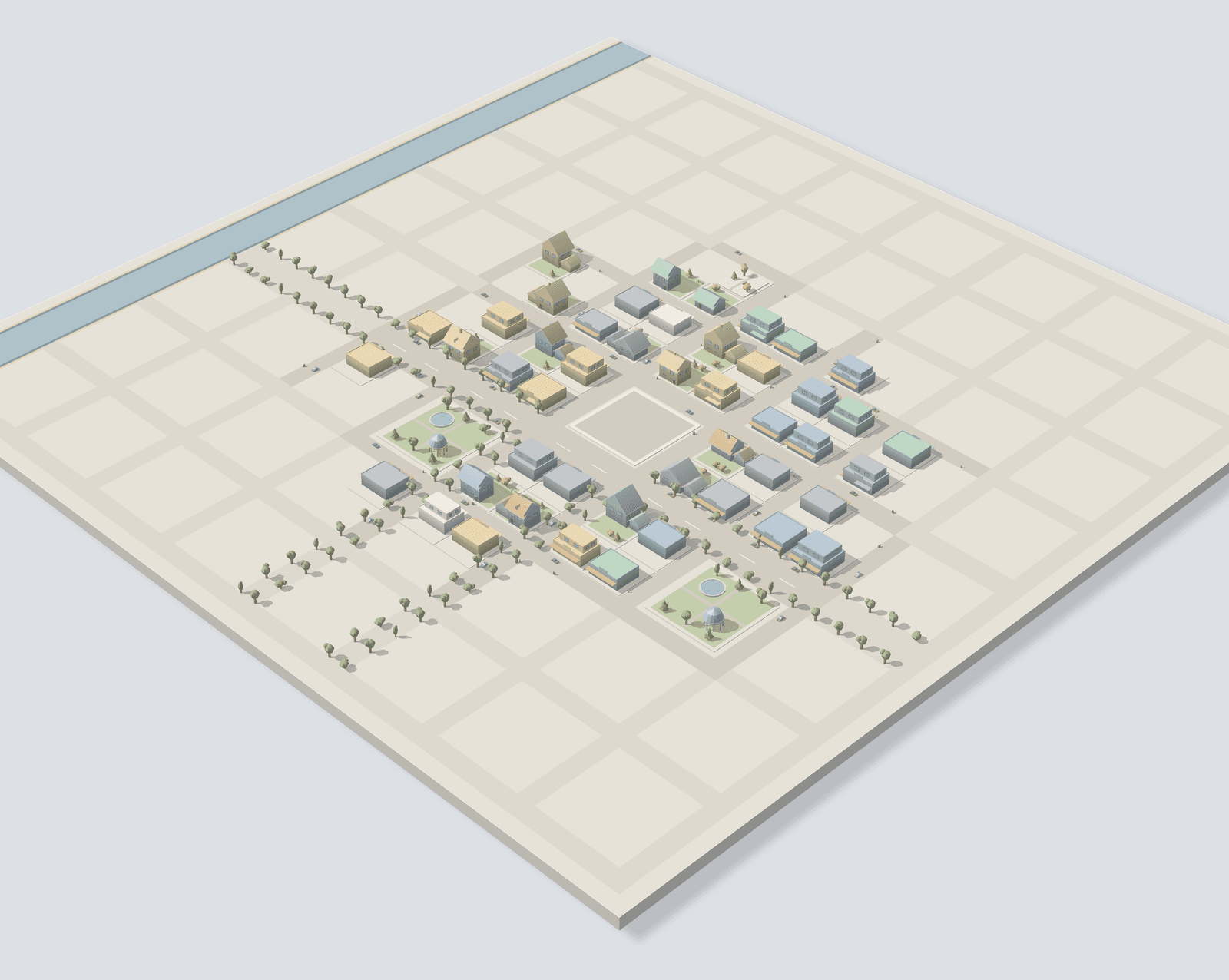
01Today's focus
Start
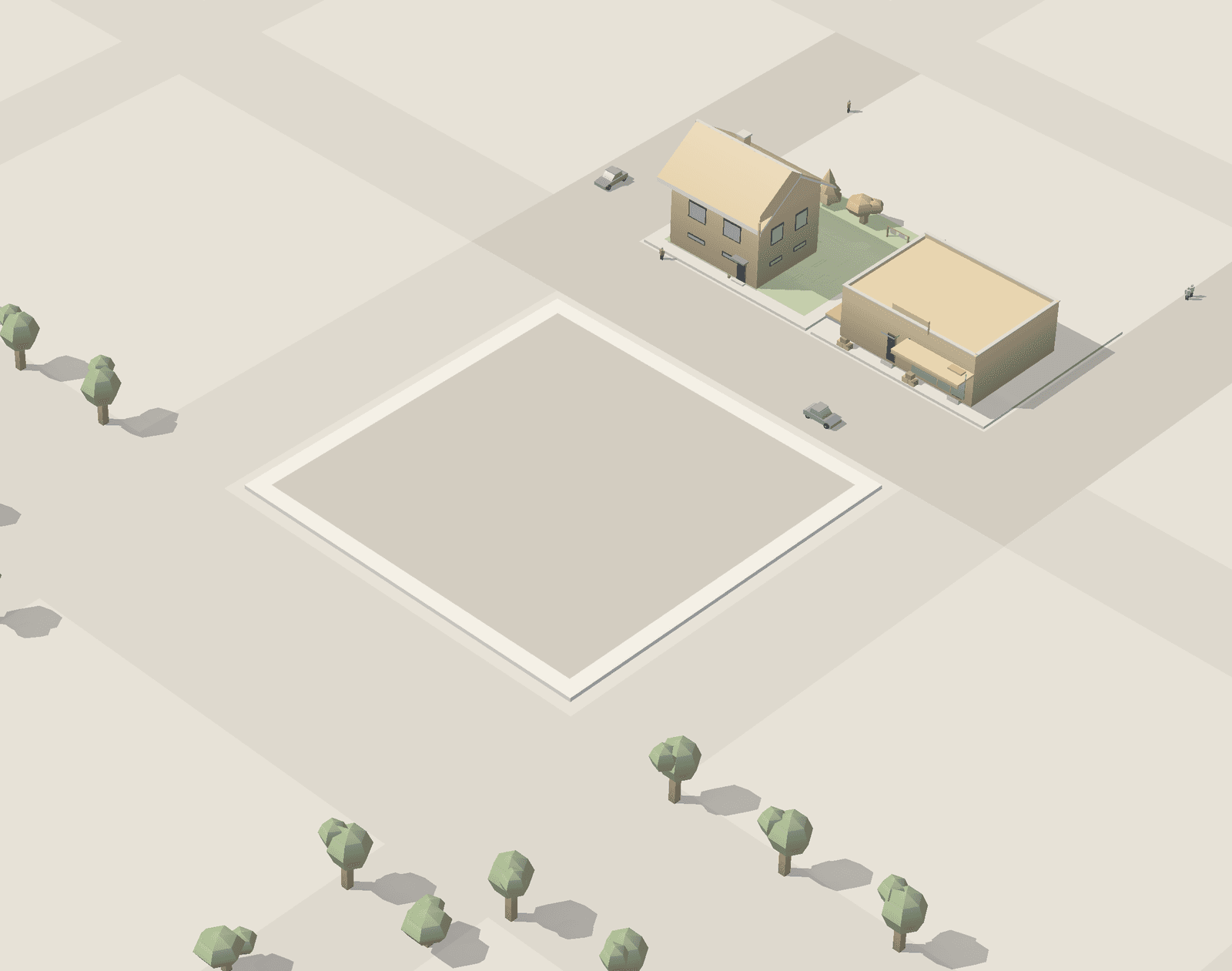
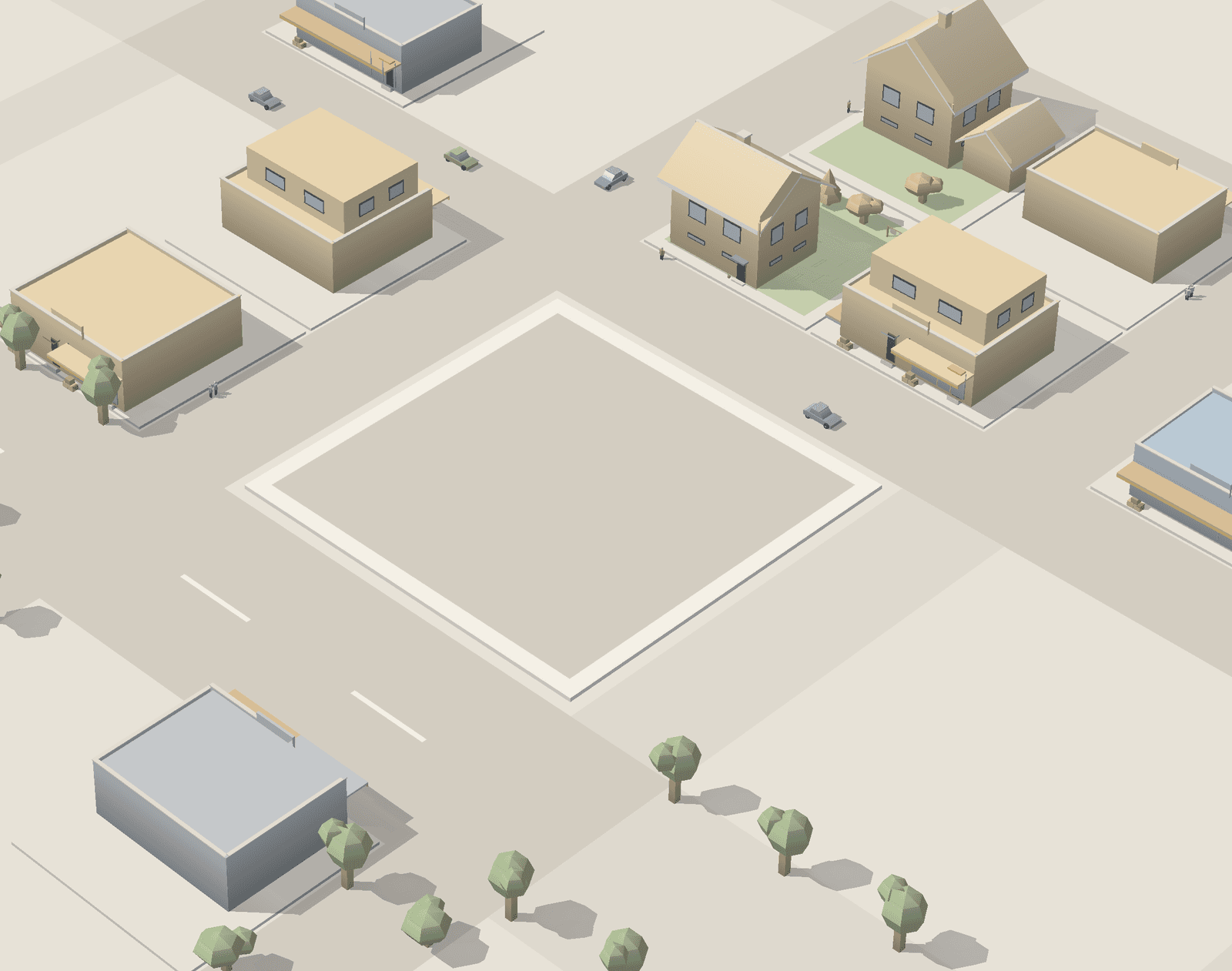
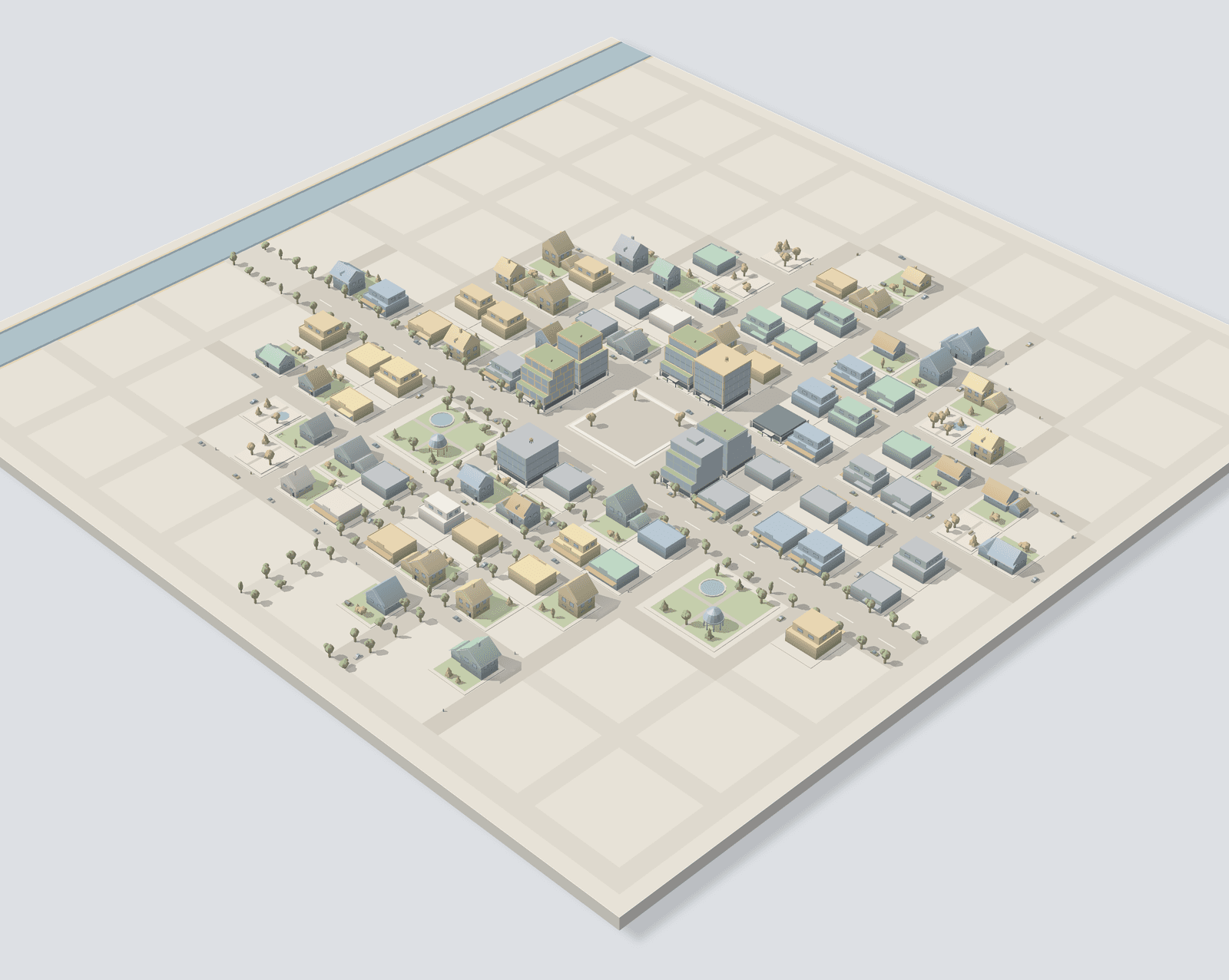
Tap Start and go back to your work. Every 15–36 seconds of focus builds one piece: a house, its roof, windows, a garden tree, each rising from the ground.
15–36 sper piece
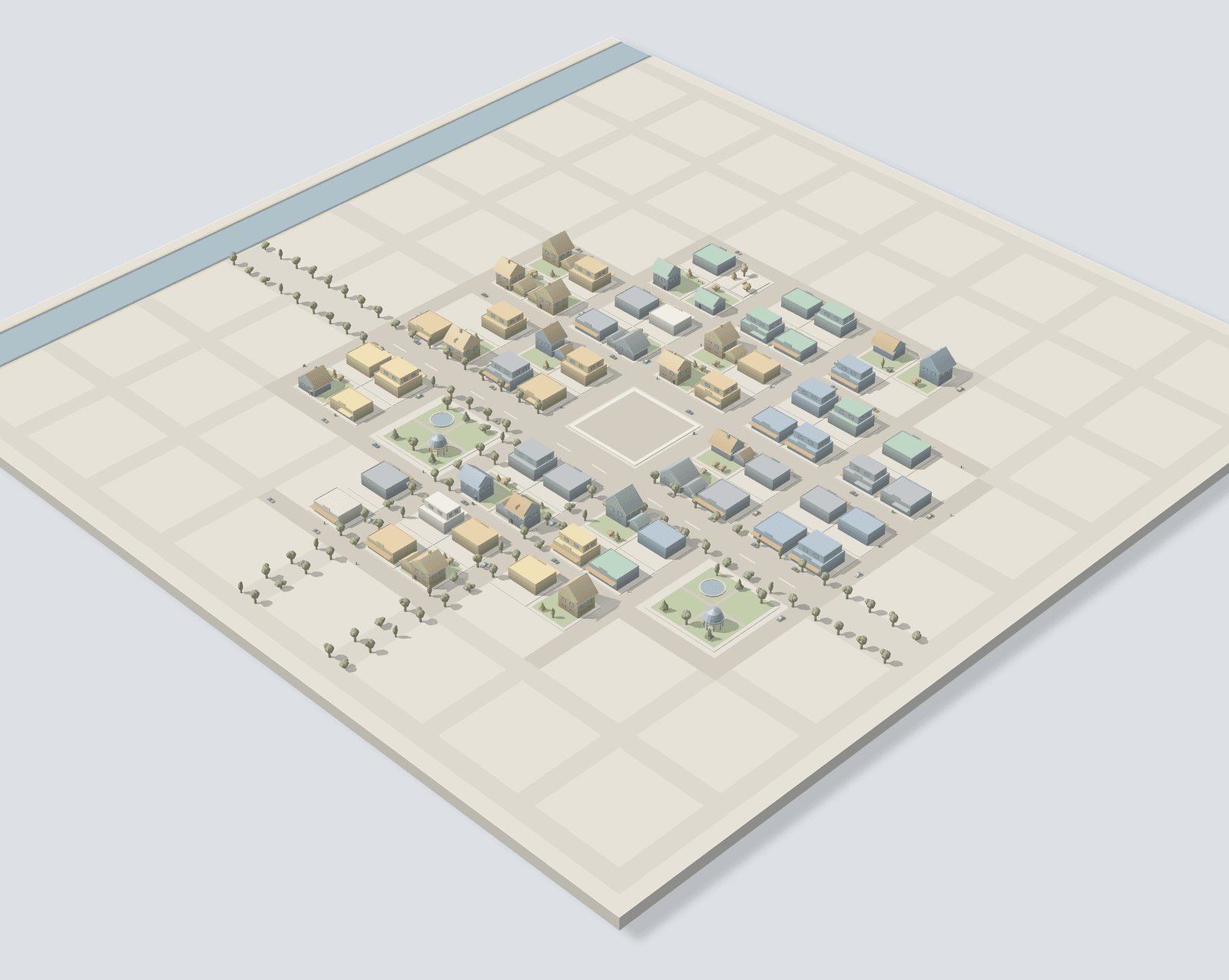
02A finished town
It spreads
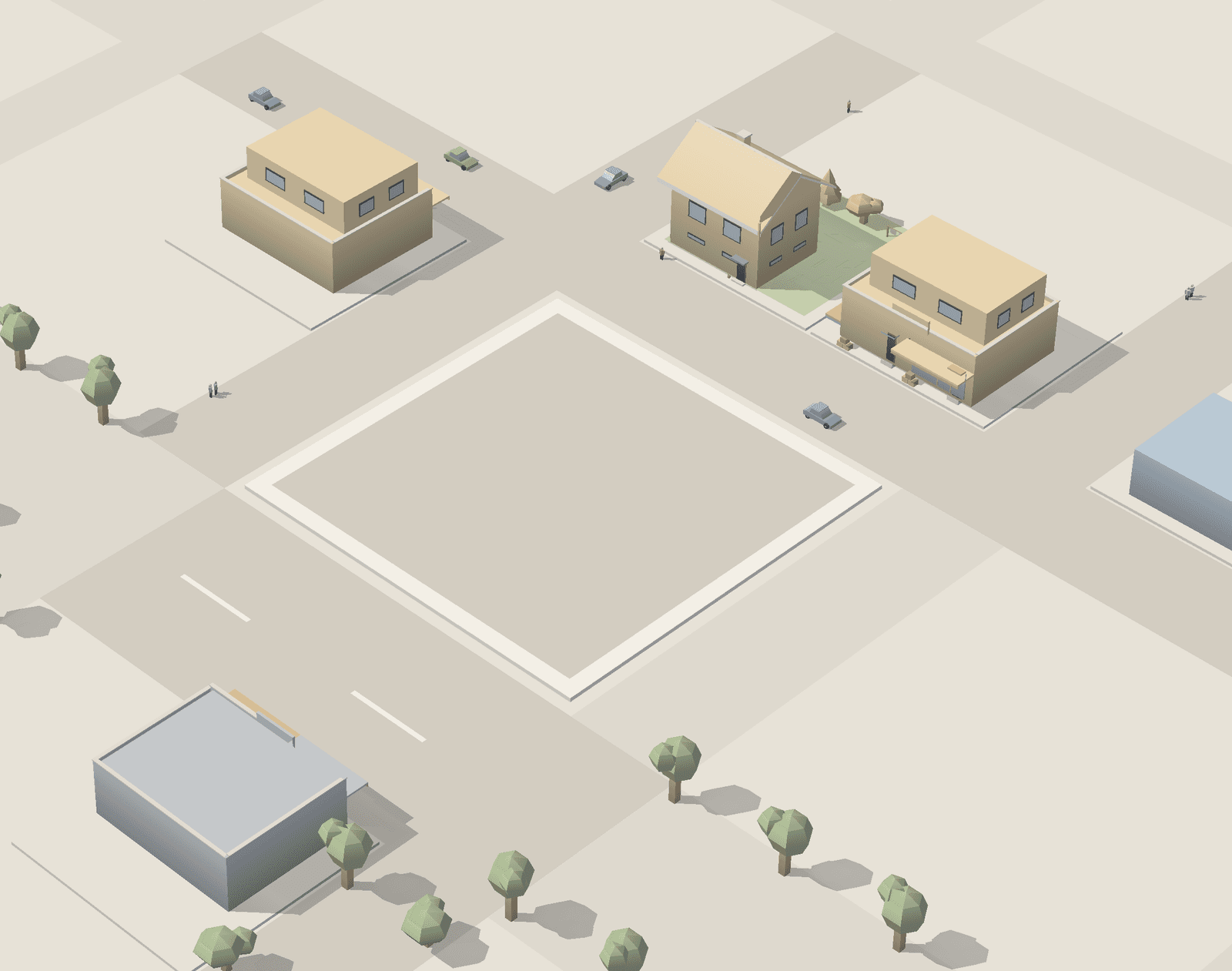
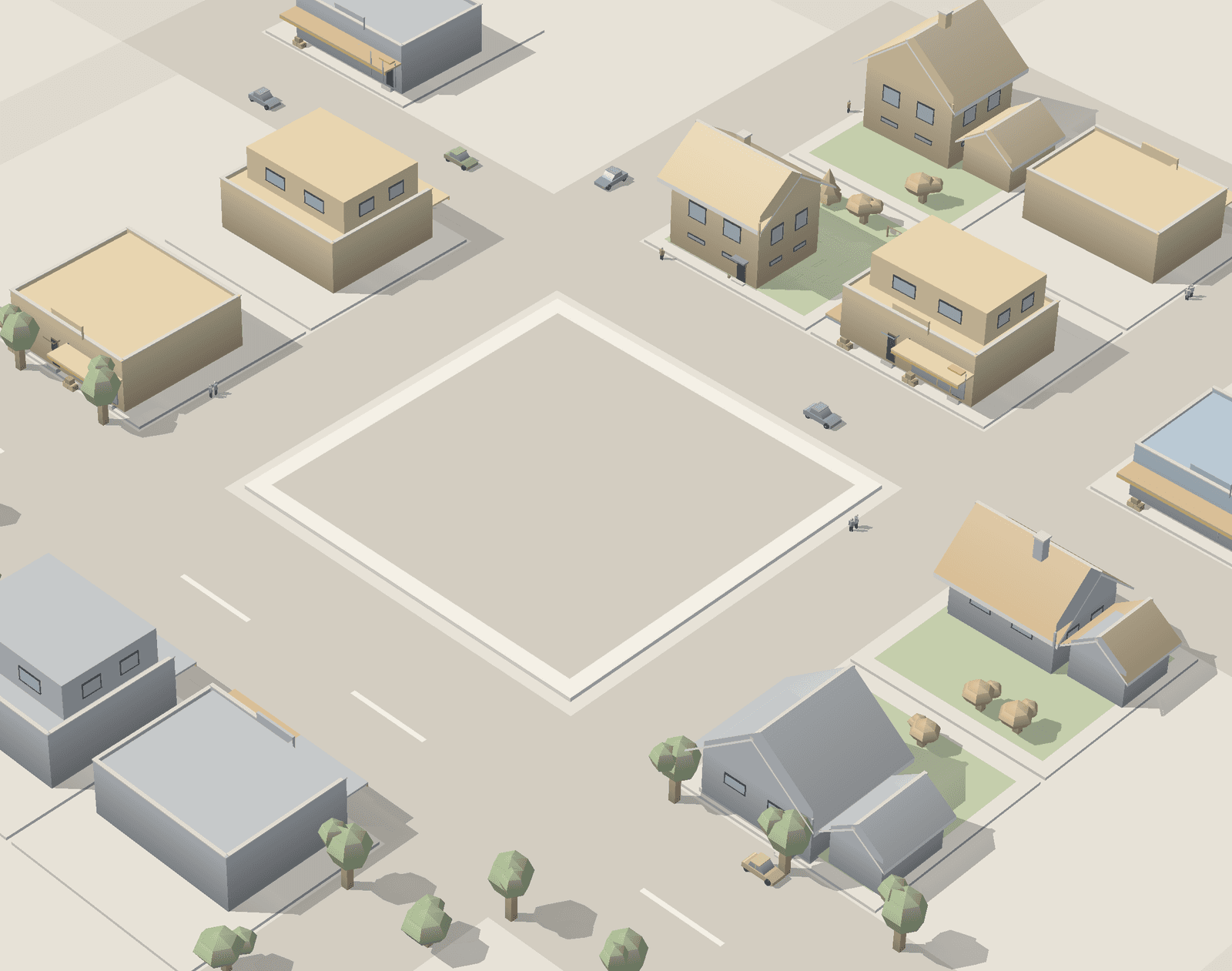
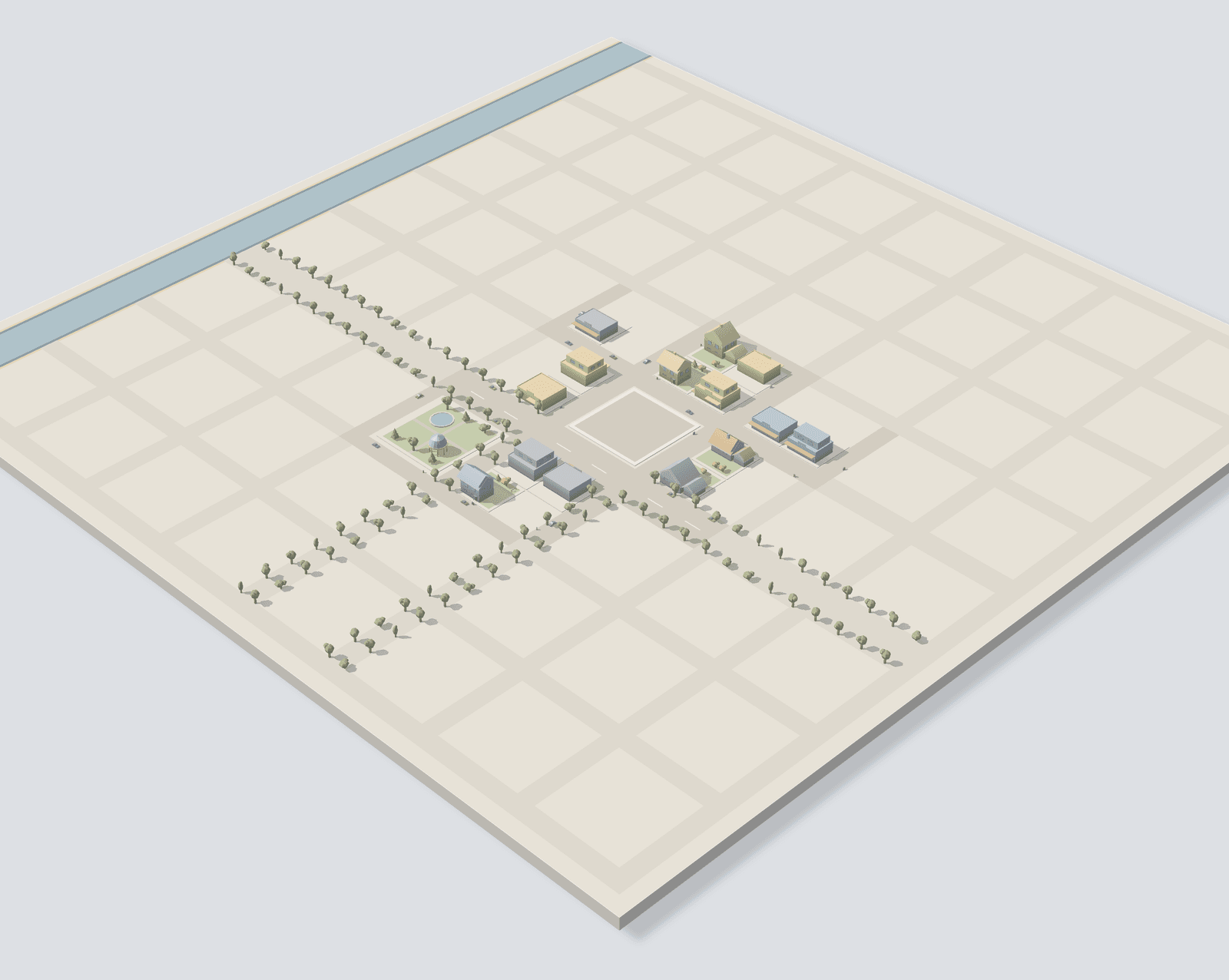
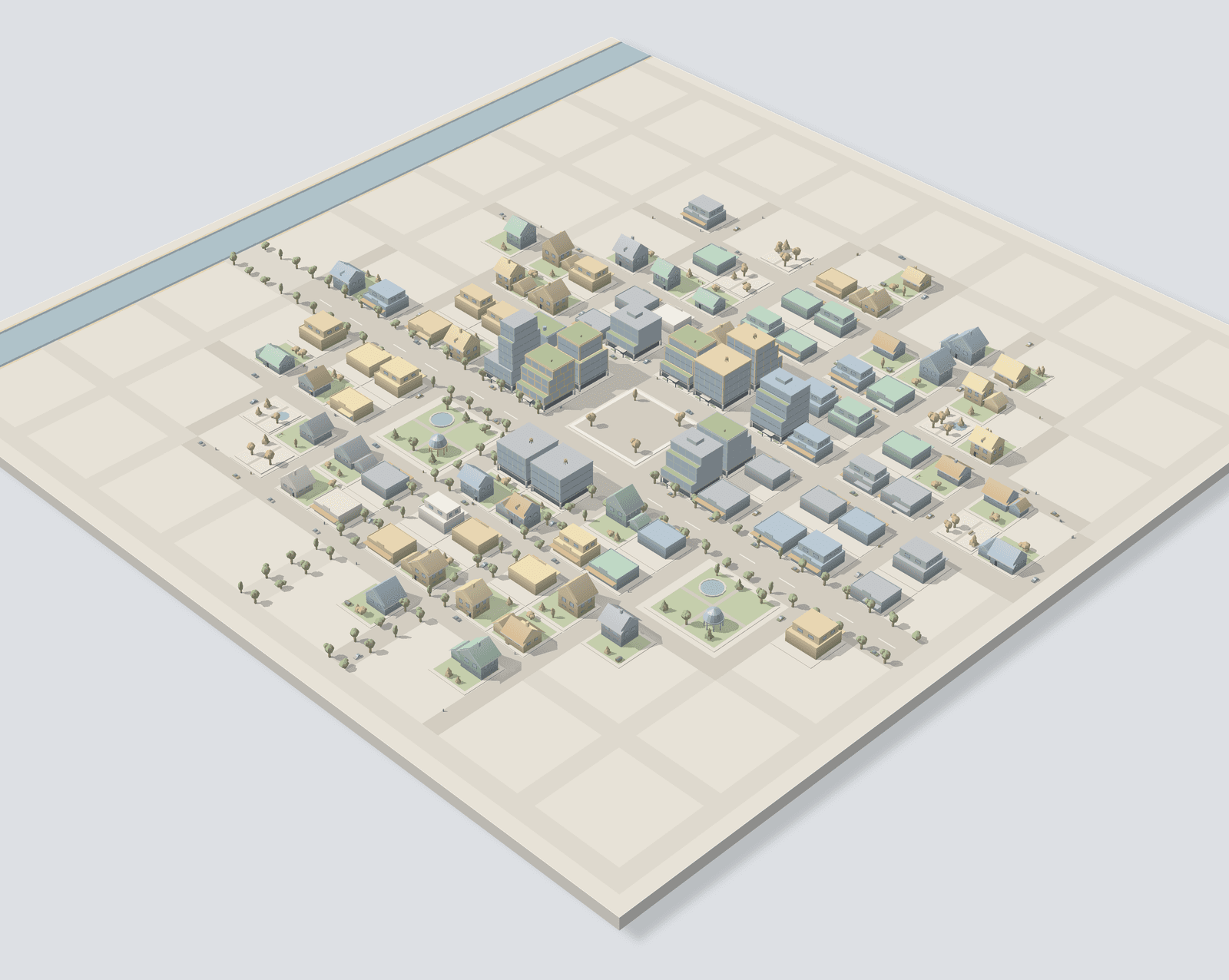
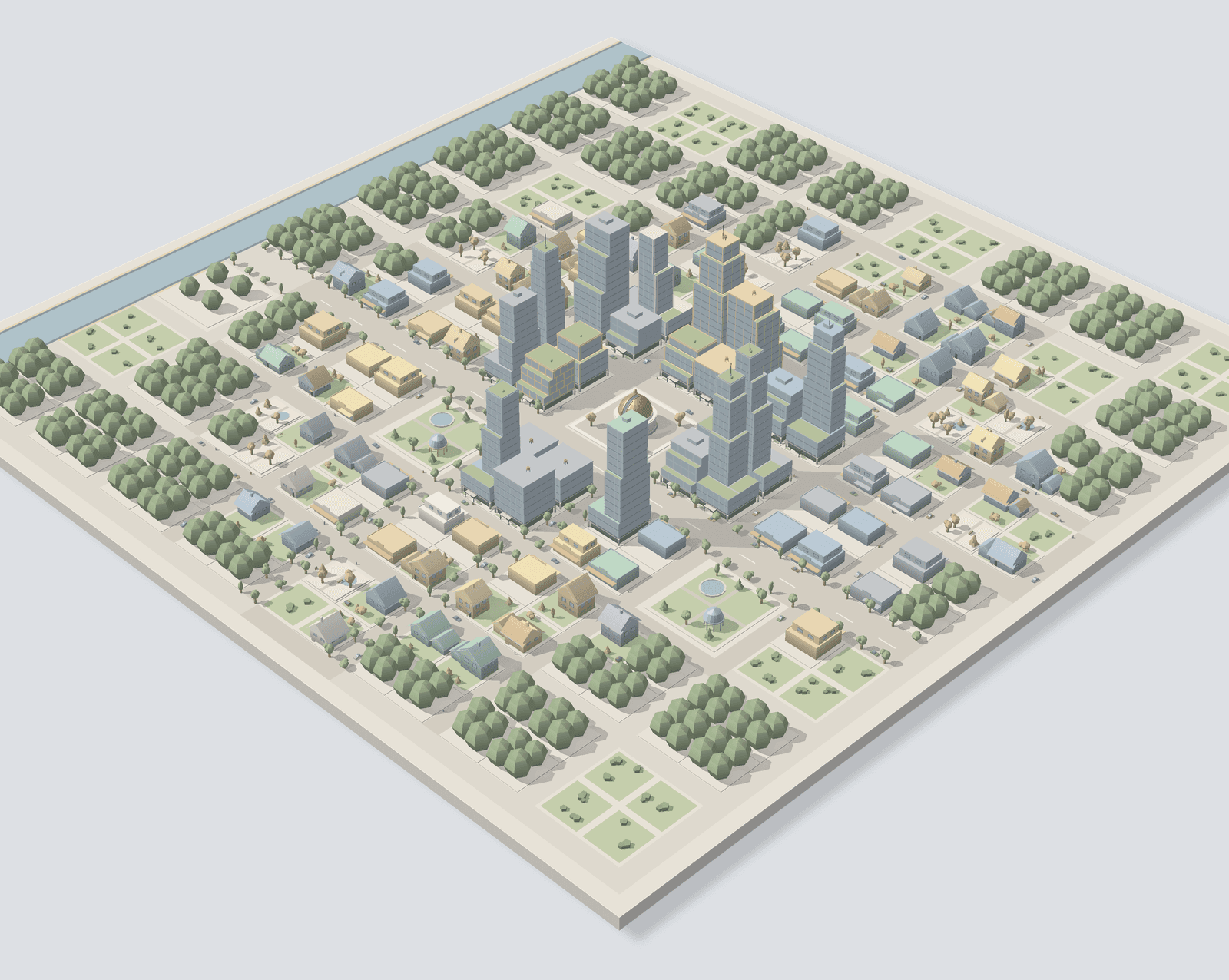
Houses, shops and parks spread out from around the square. Roads reach further and gardens get their trees.
3×3first land
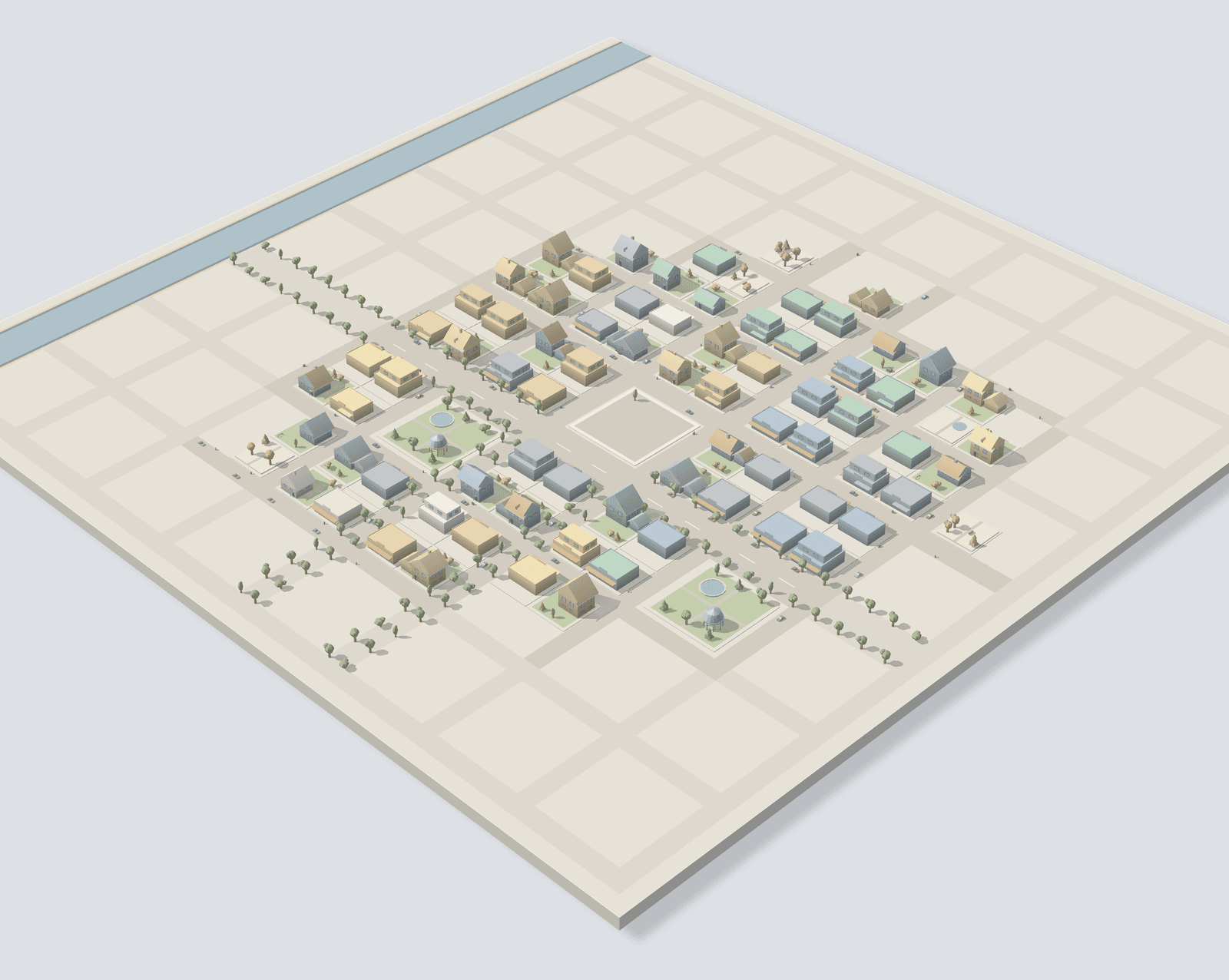
03A finished town
It's rebuilt
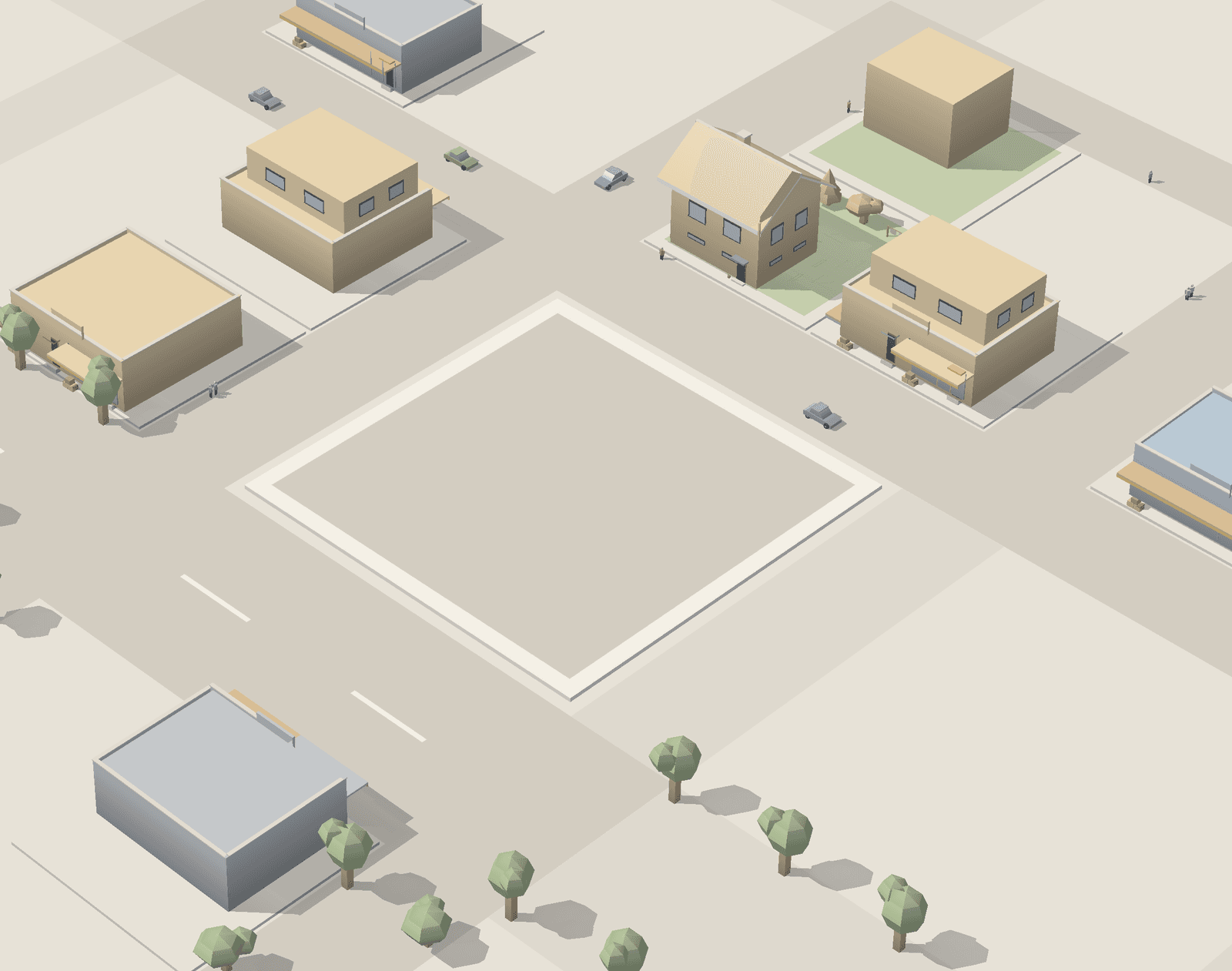
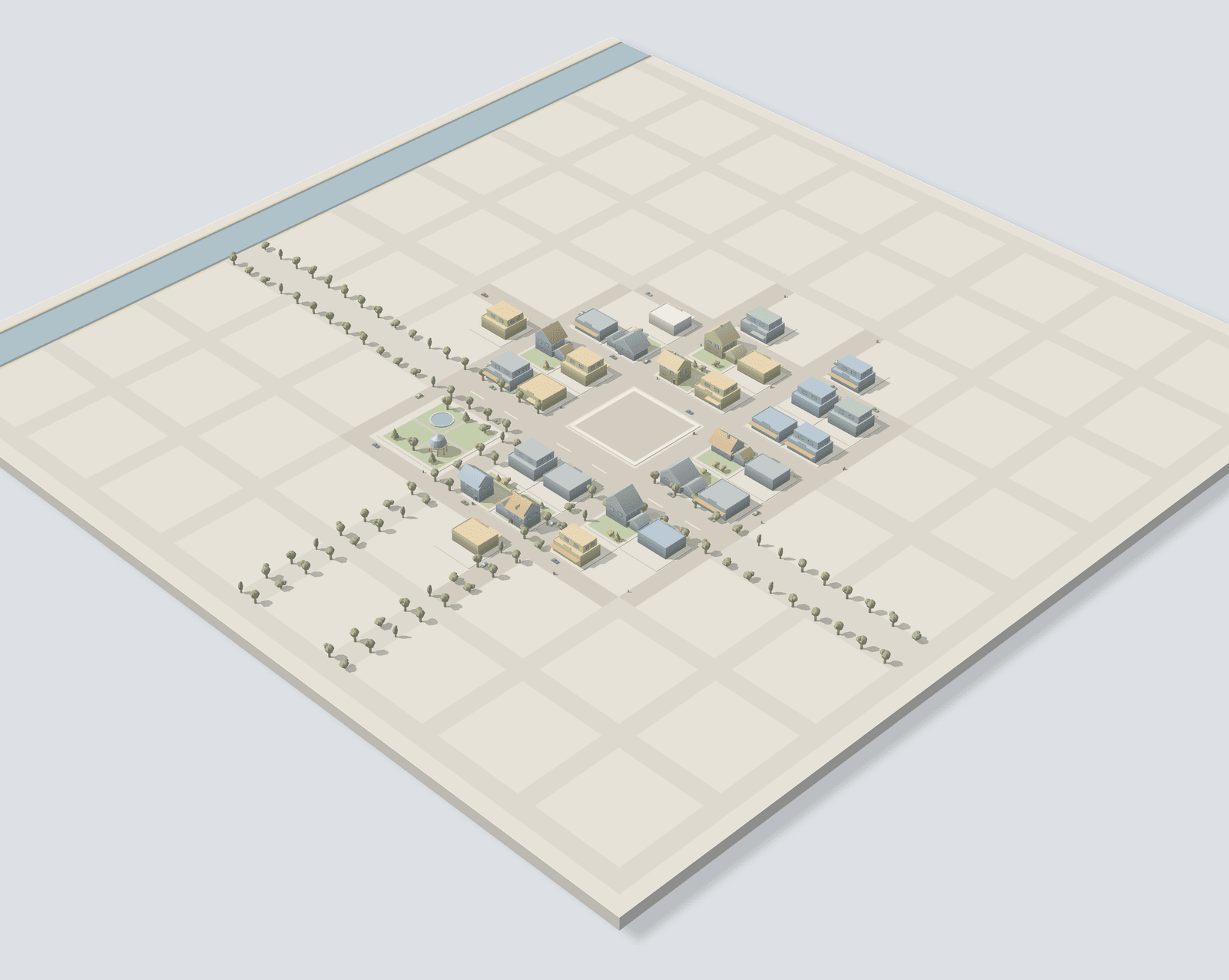
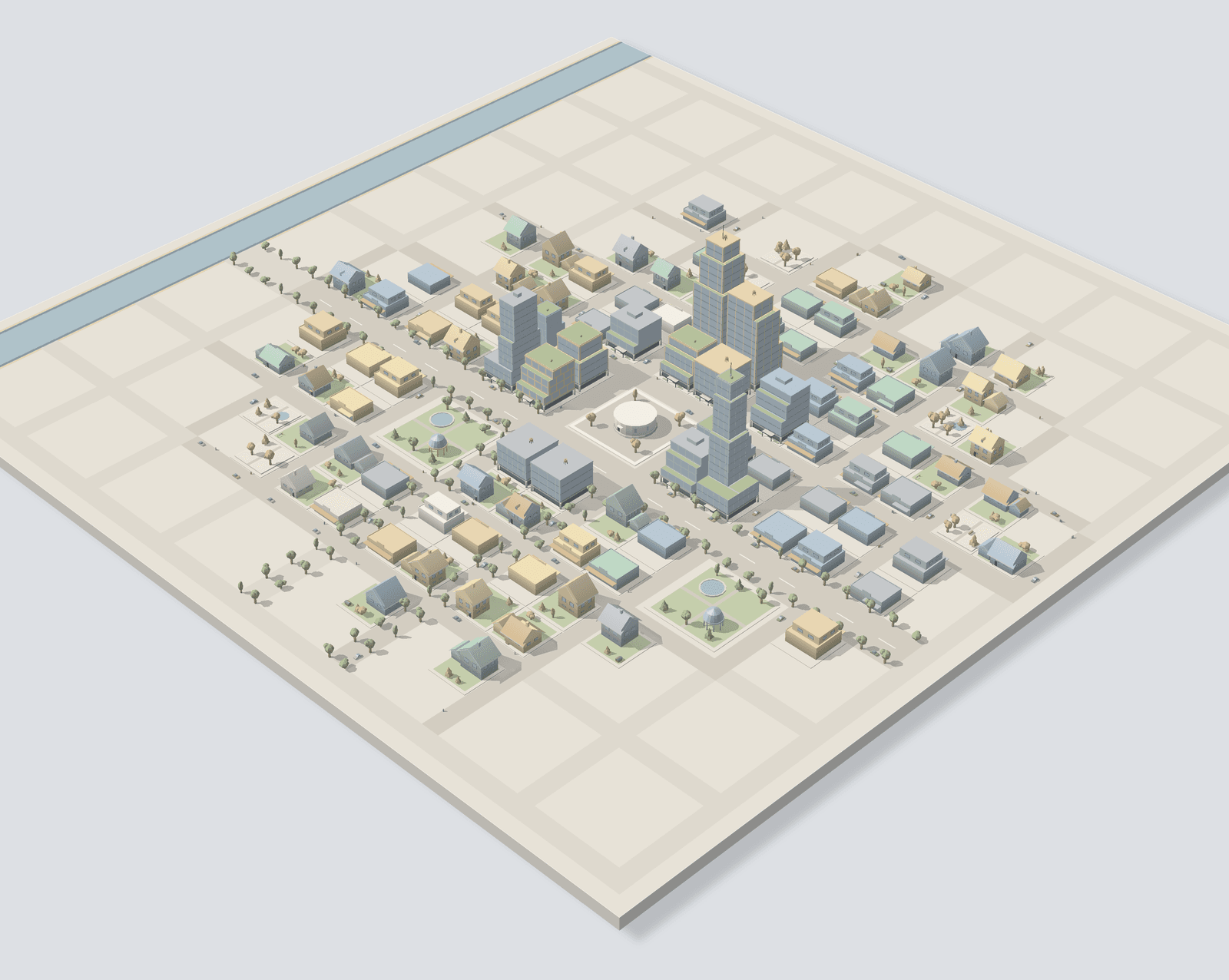
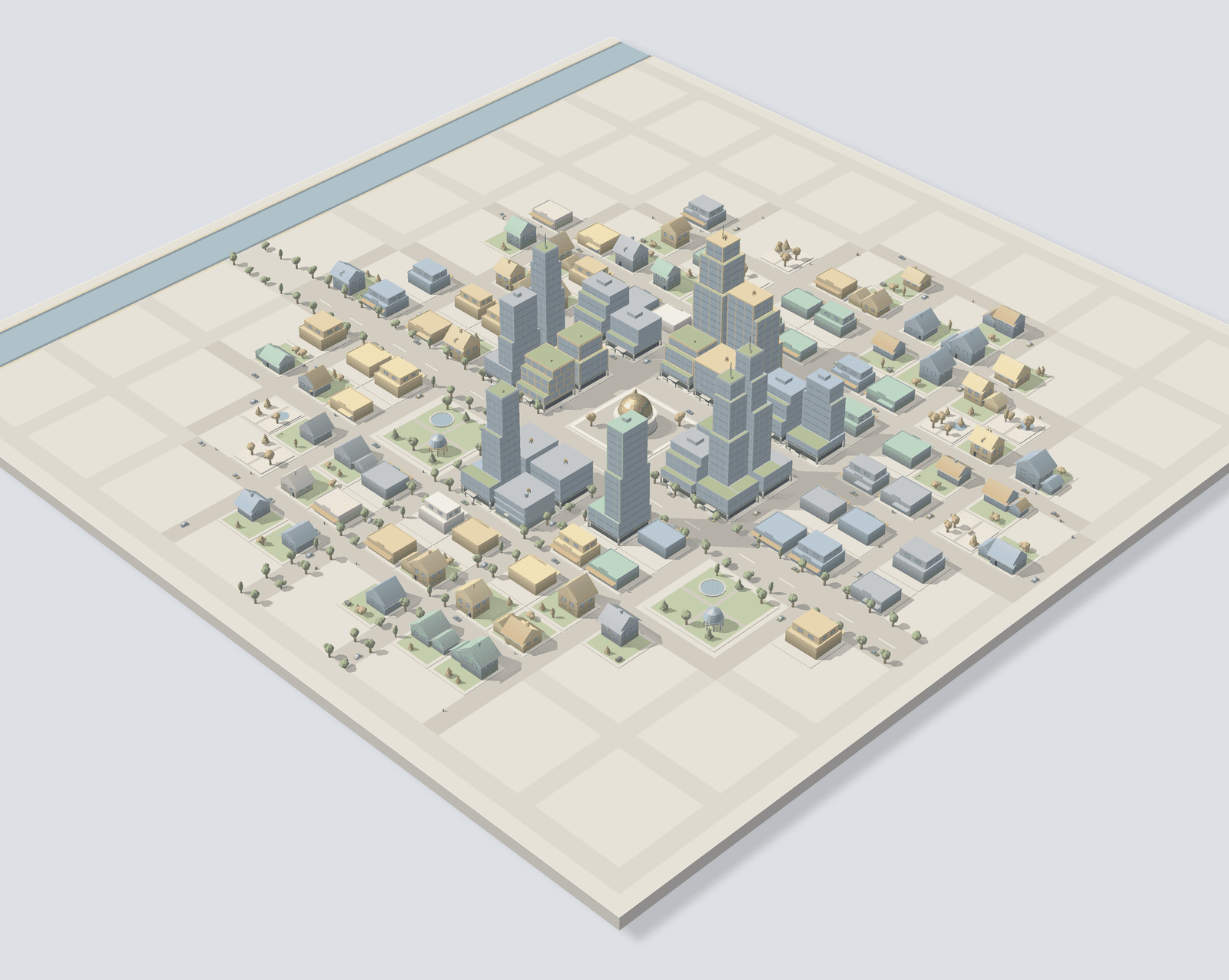
As you go, the centre is rebuilt: houses give way to apartments, then offices and high-rises.
house → towerin the centre
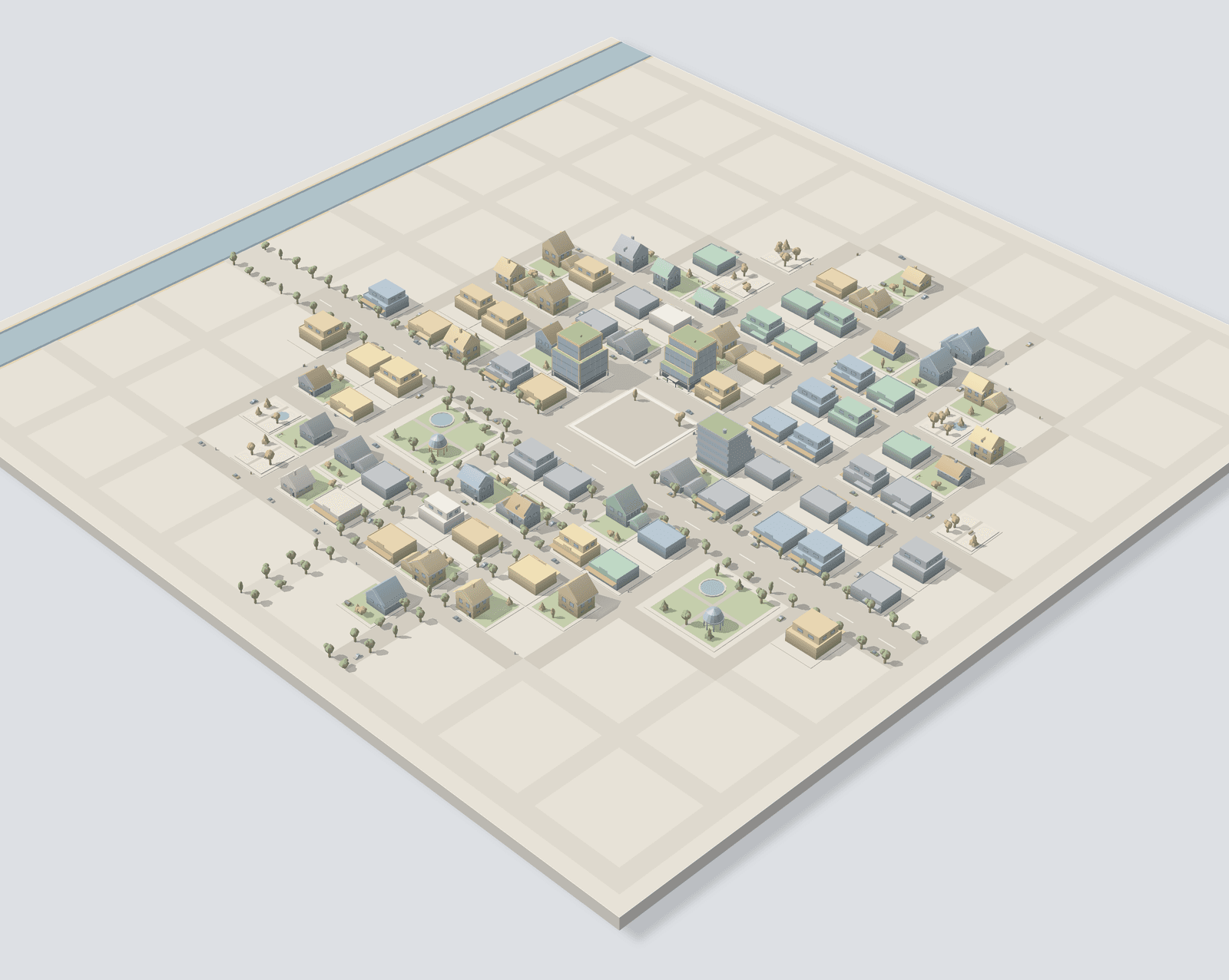
04A finished town
A landmark rises
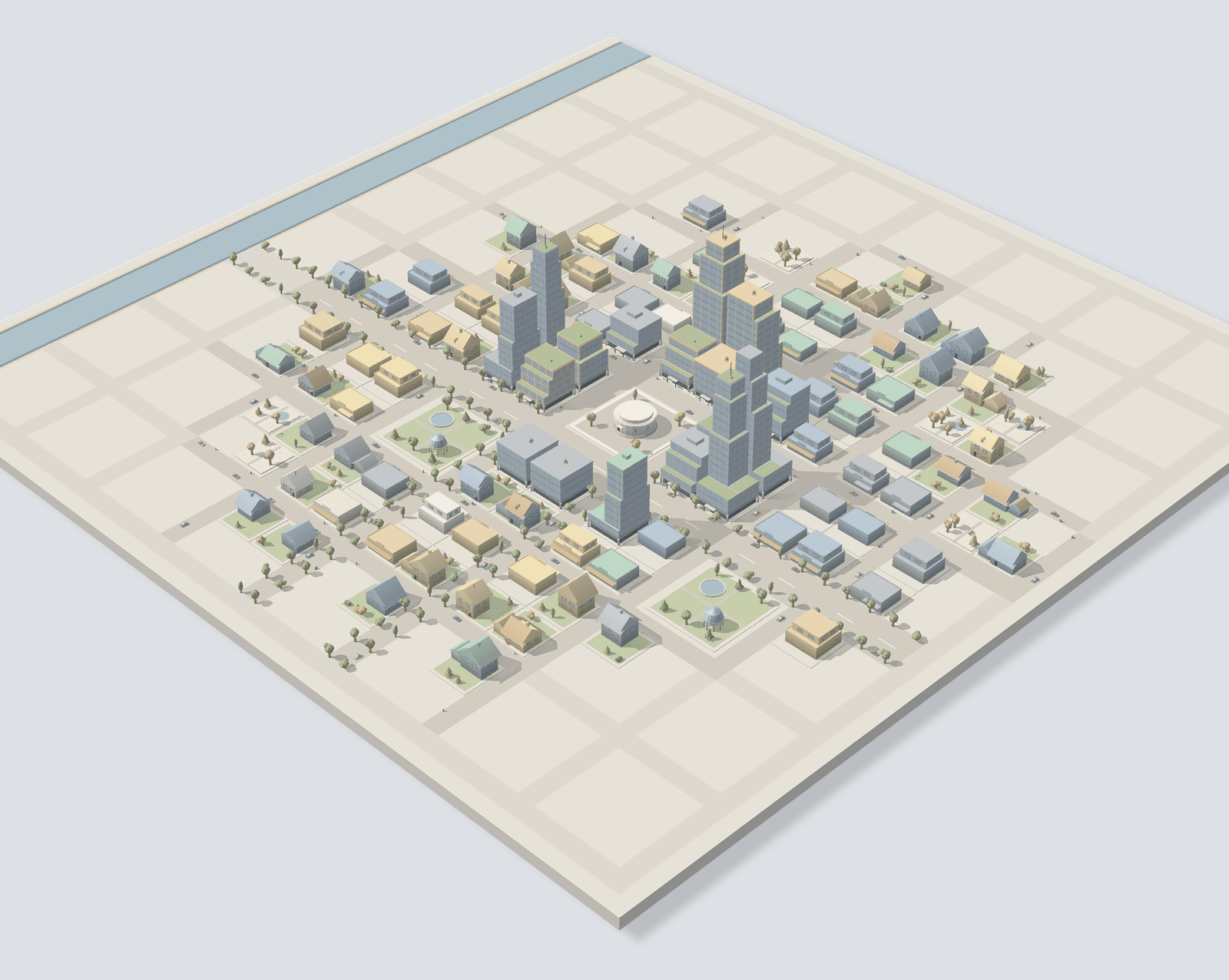
Last of all, a landmark goes up in the central square and the town is finished.
1h–10hper town
05Your worlds
It stays
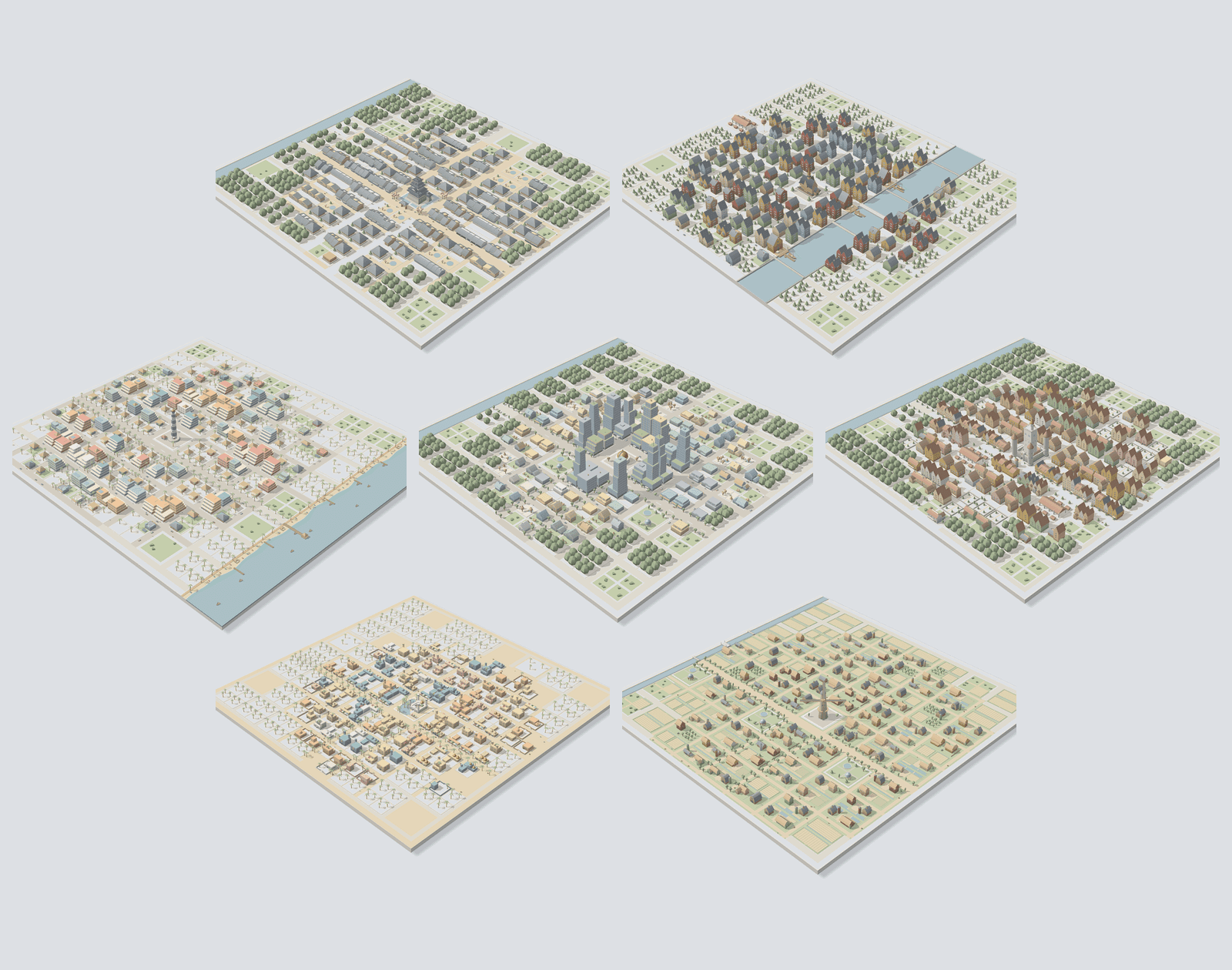
Finished towns line up one by one in Worlds, where you can look at them again any time. The style rotates with each new town. You start with 3 styles; more open up as you level, all 10 by Lv.50.
3 → 10town styles
Start, step away, come back
Three screens are all you use. While you focus, the app asks nothing of you.
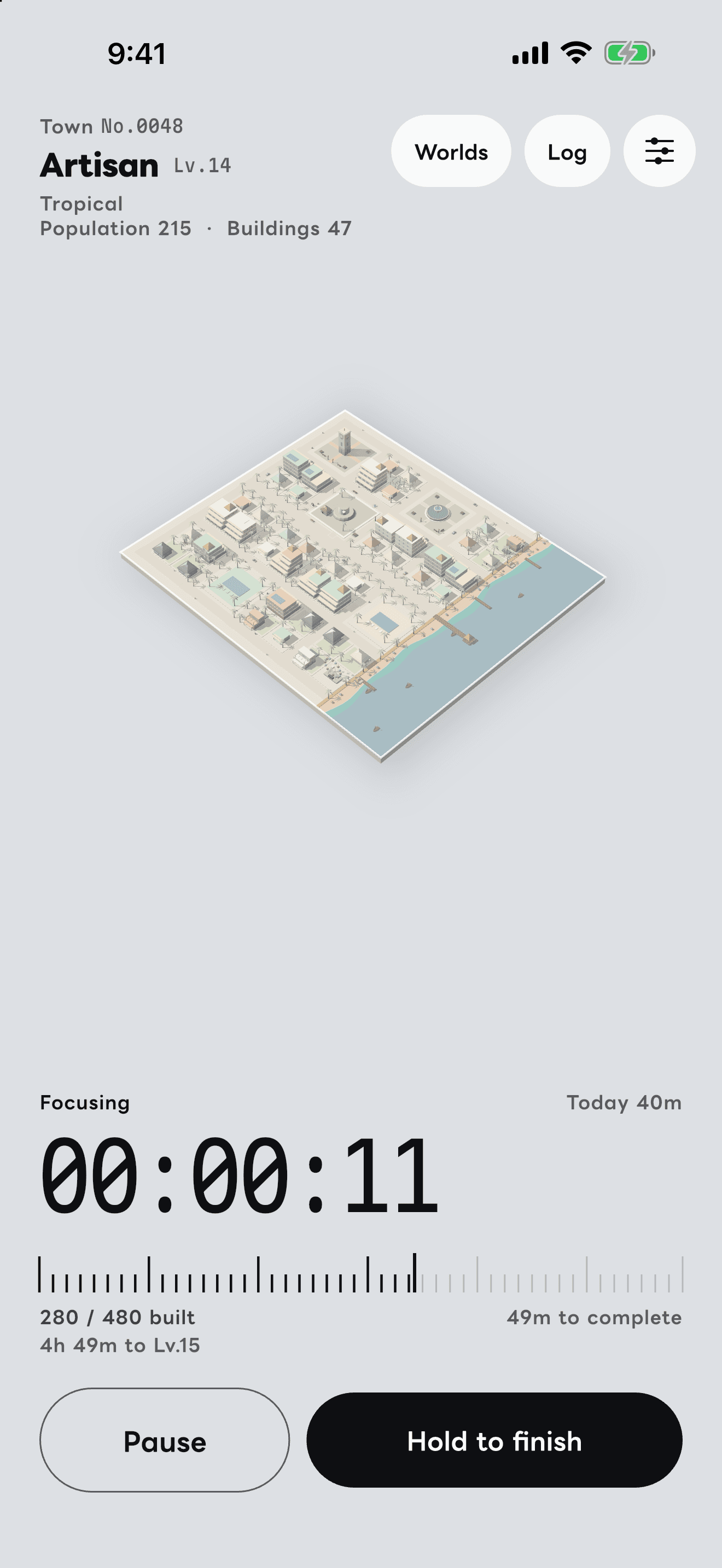
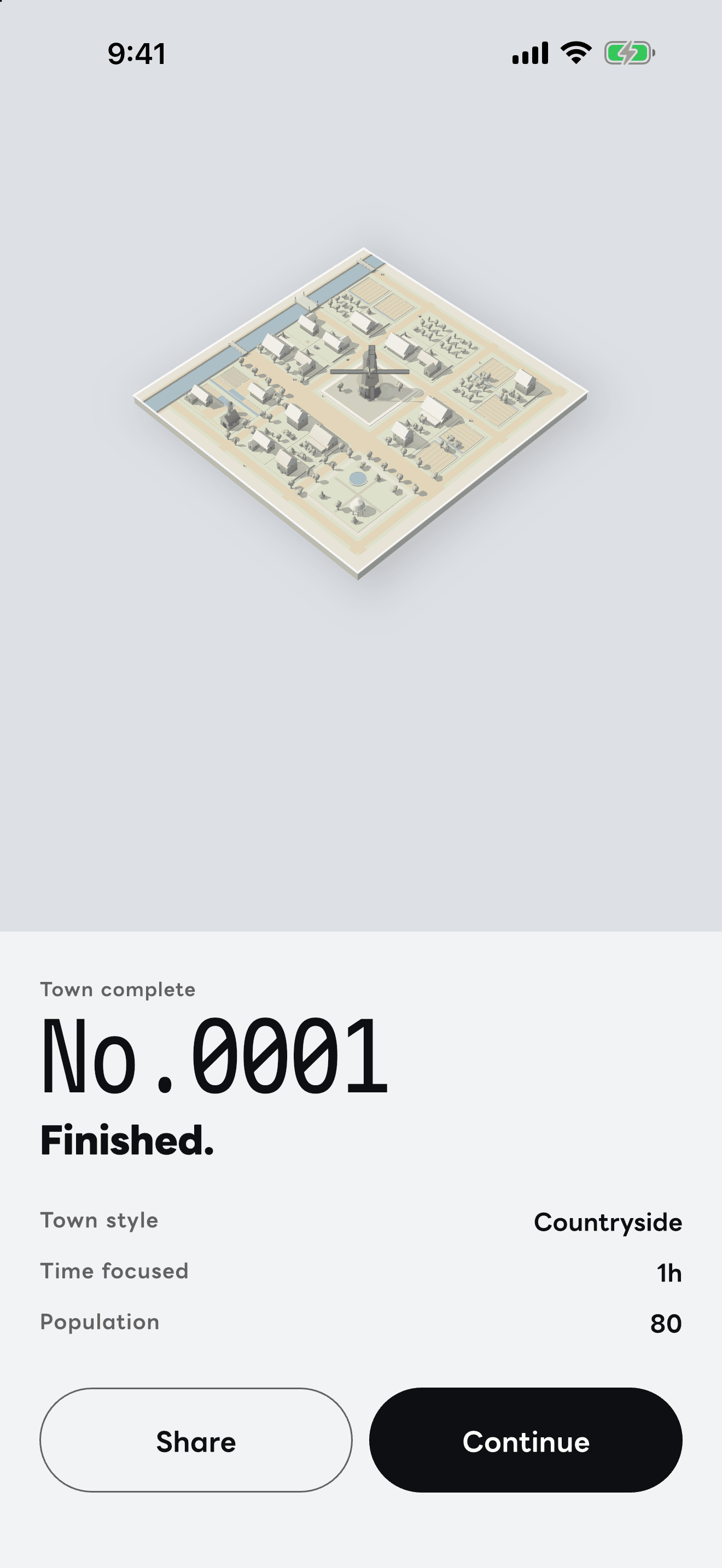
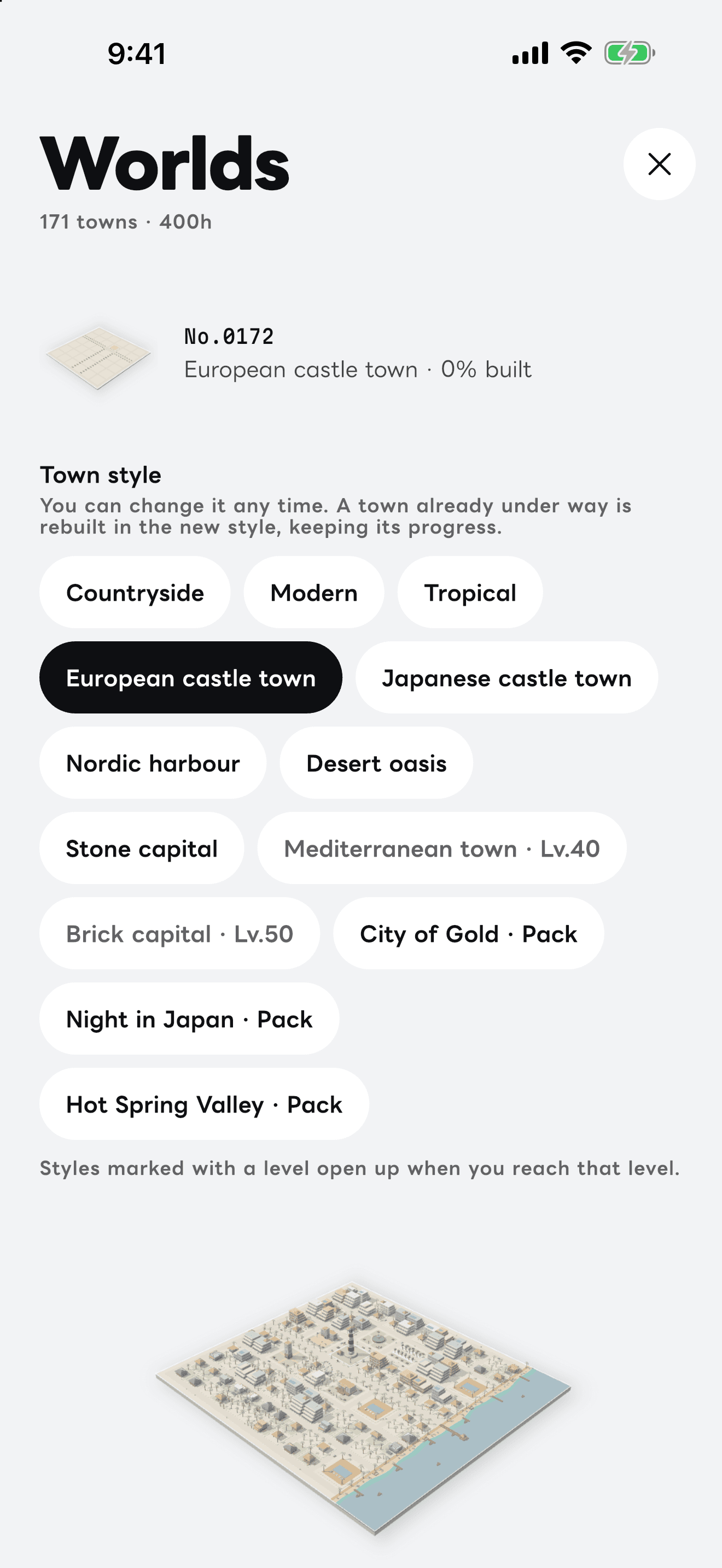
01Start
Tap Start and get on with your work. Pausing is one tap; finishing is a press and hold, so you never stop by accident.
02Step away, come back
Lock your phone and do the thing. When you come back, the town has grown by the time you focused. A finished town records the time it took and its population.
03Look back
Finished towns line up in Worlds. Here you can also switch the town you are building to any style you have unlocked, at any time; it is rebuilt in the new style and keeps its progress.
There is also a setting to keep the screen on while you focus (off by default). How time is counted with the screen off
More screens
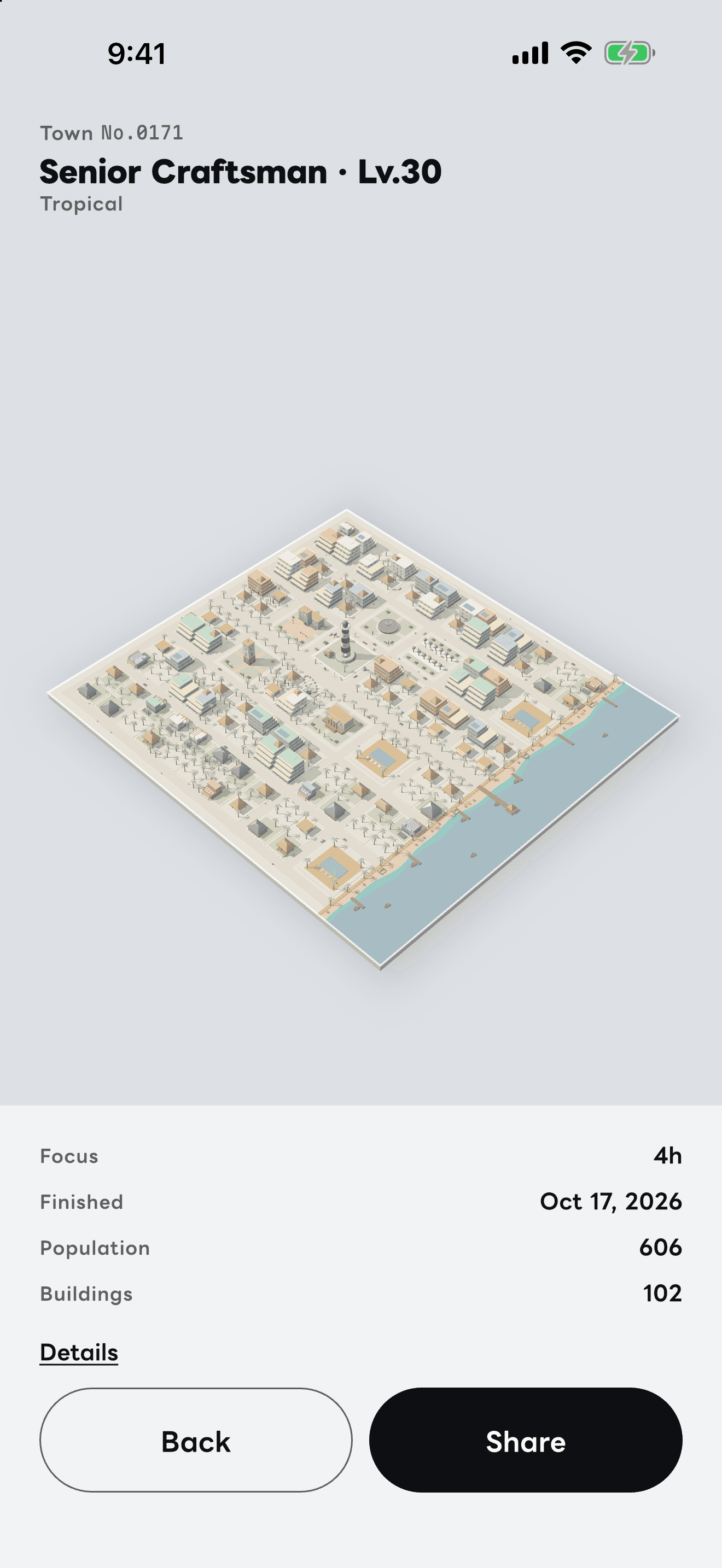
A town
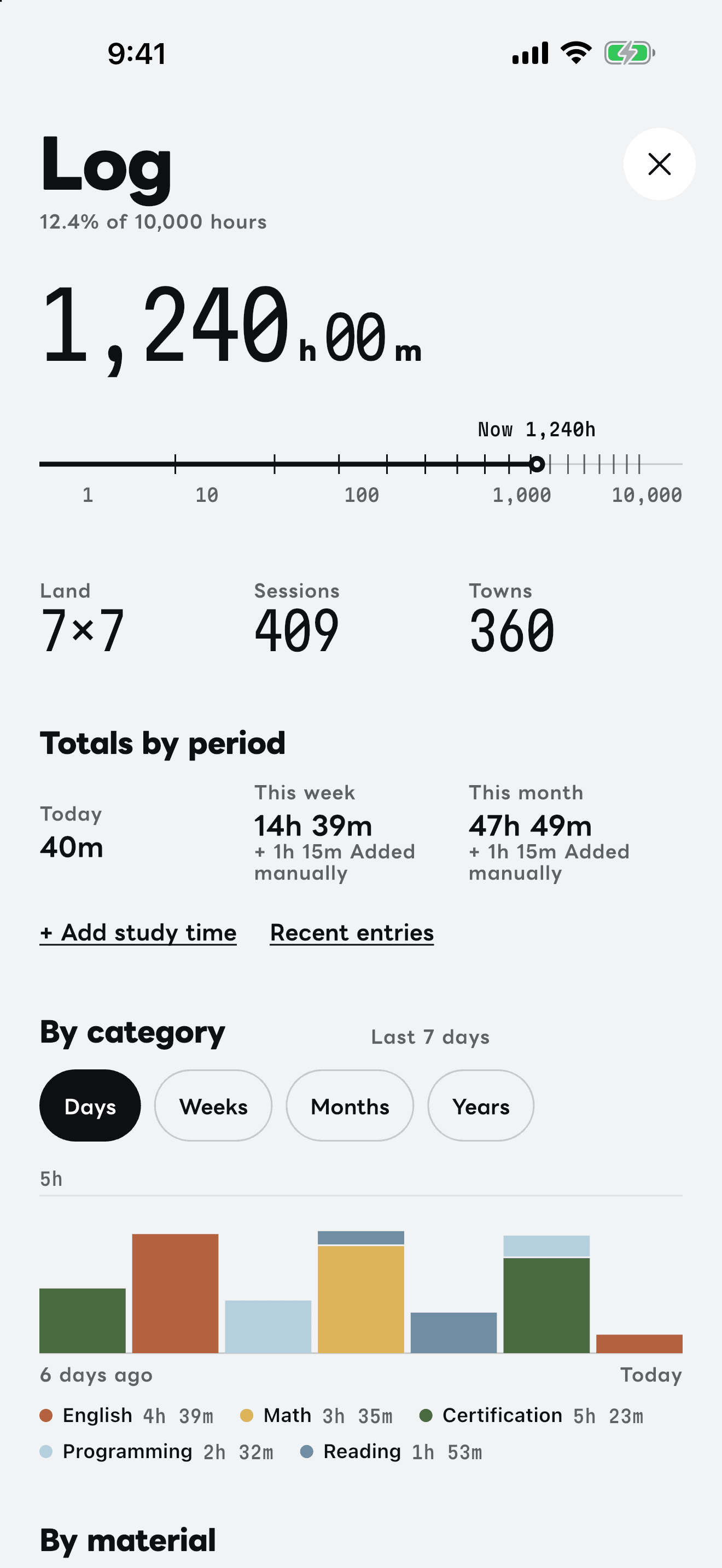
Log
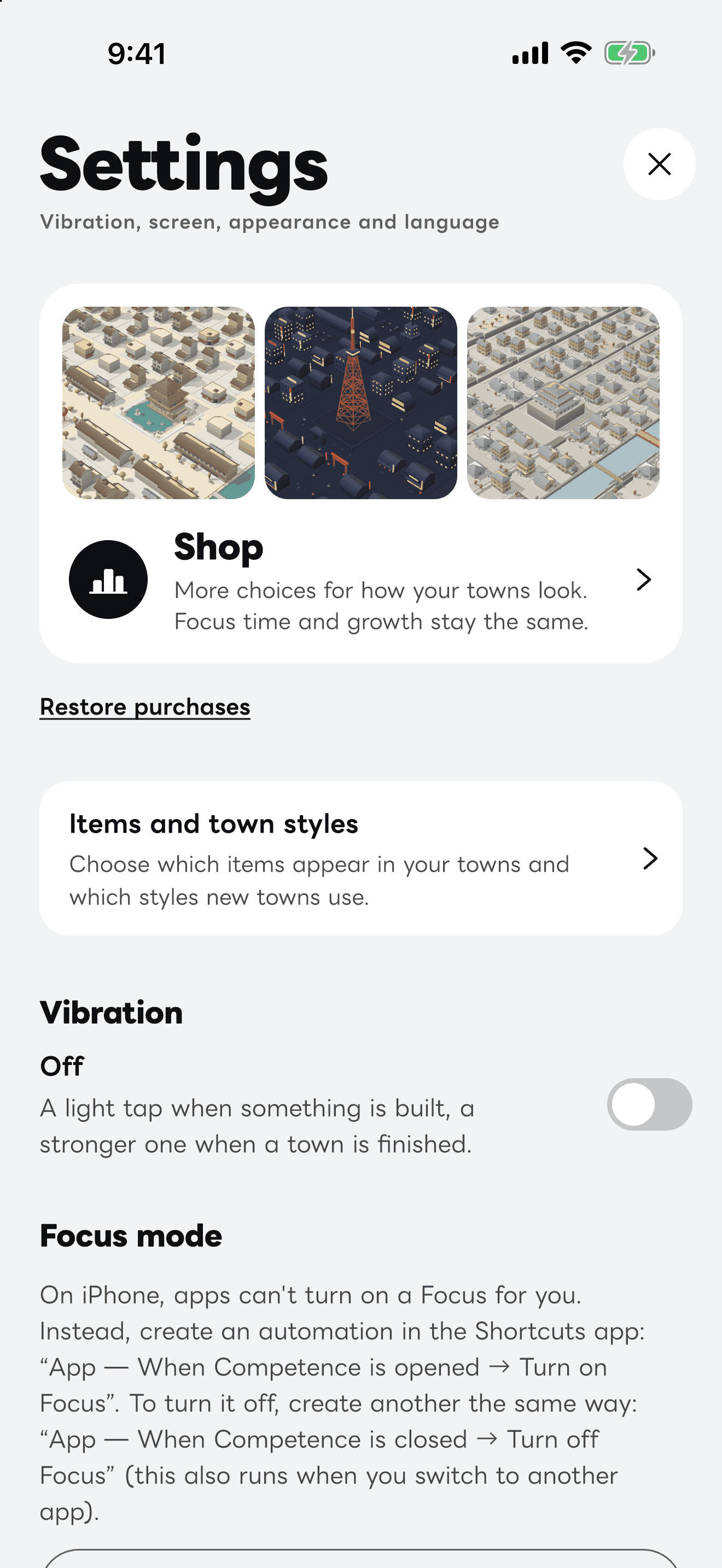
Settings
Shop · 03
More worlds from the shop
Town styles rotate with each new town, from the ones you have unlocked by level. The shop adds three more worlds: they can be used as soon as you buy them, at any level, and join the rotation too. Focus time and how towns grow stay the same.
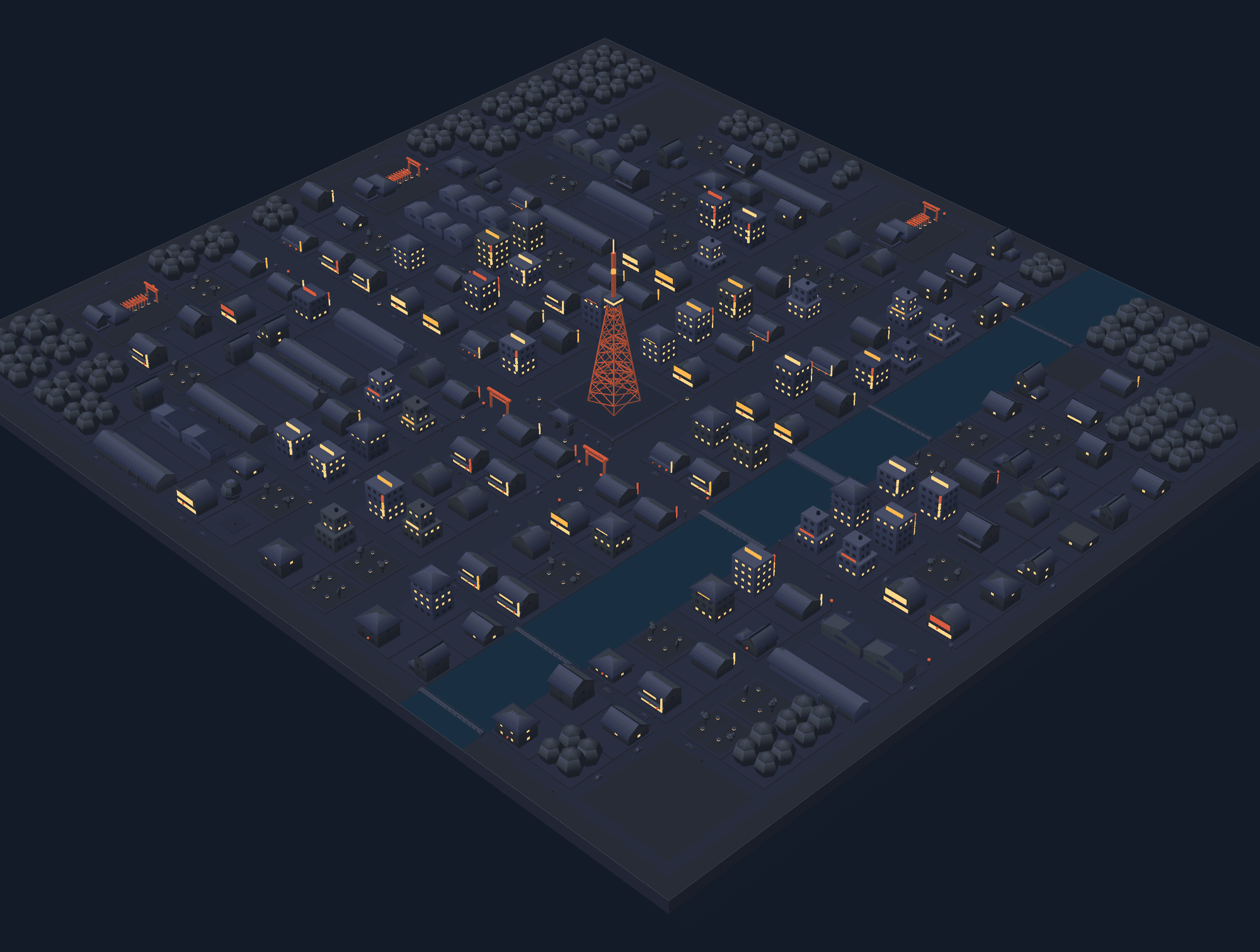
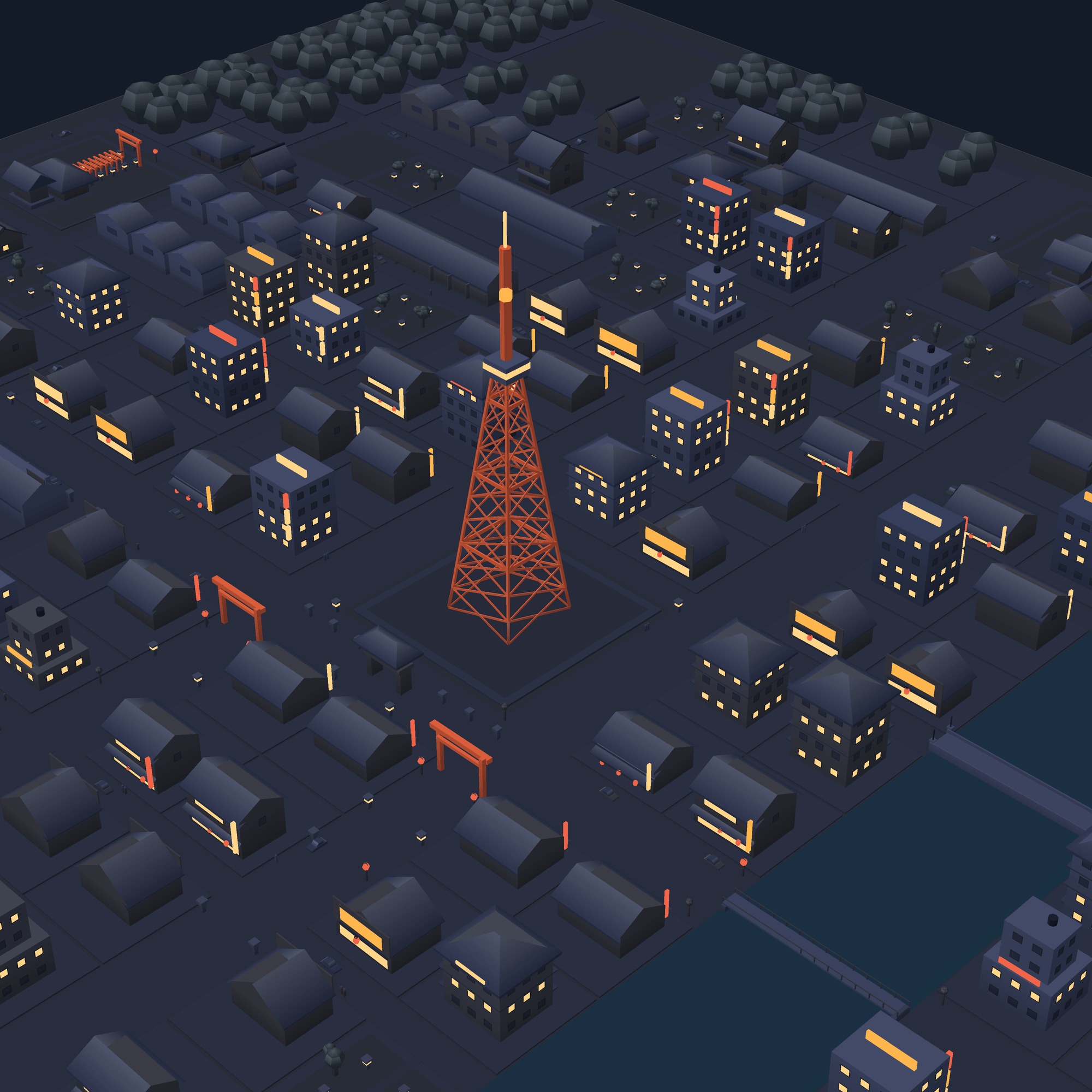
Always night: lit windows and red lanterns, a tunnel of vermilion gates, an orange-lit radio tower
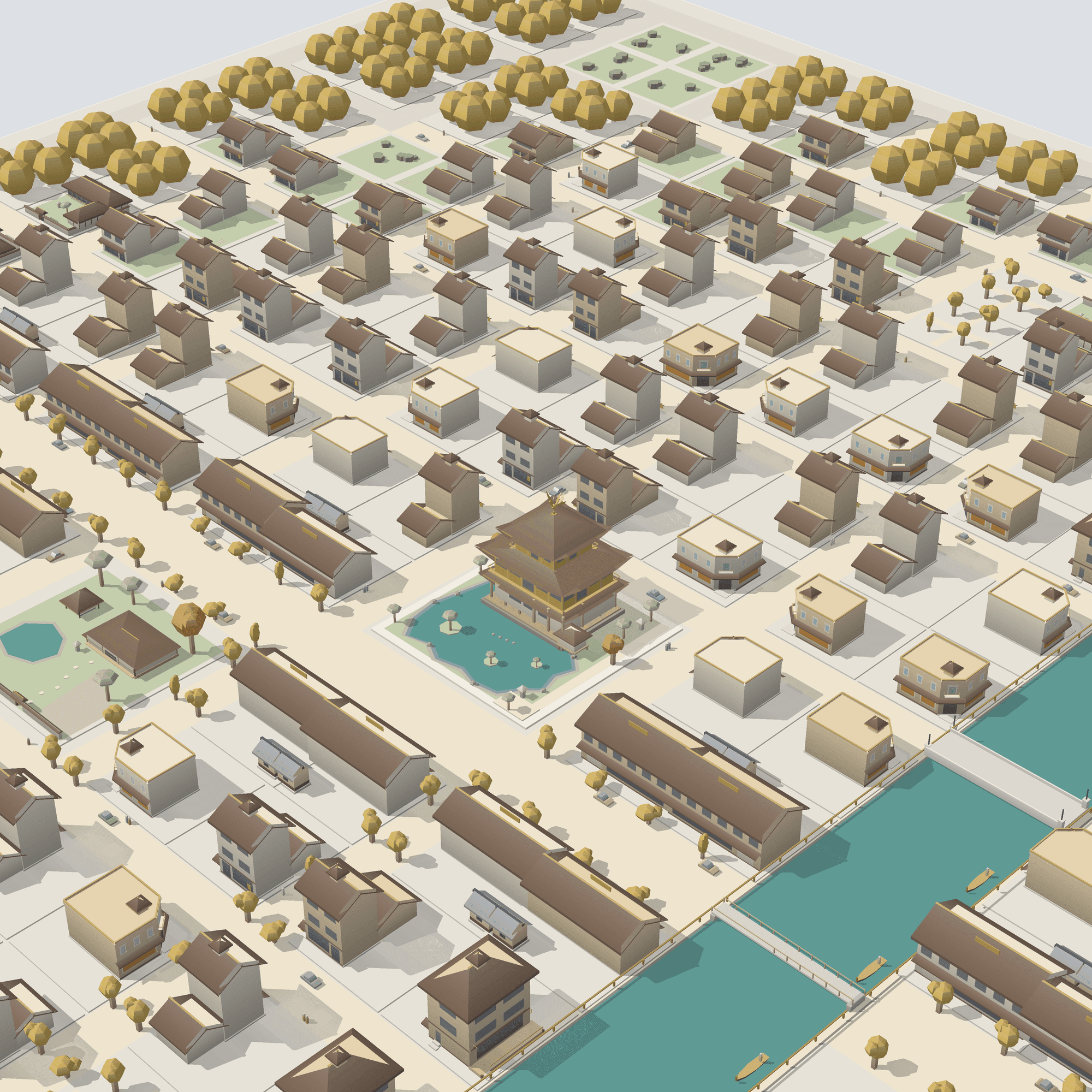
Ivory paving and goldsmiths' townhouses, a canal with gondolas, a three-tiered golden pavilion beyond its pond, a tea garden
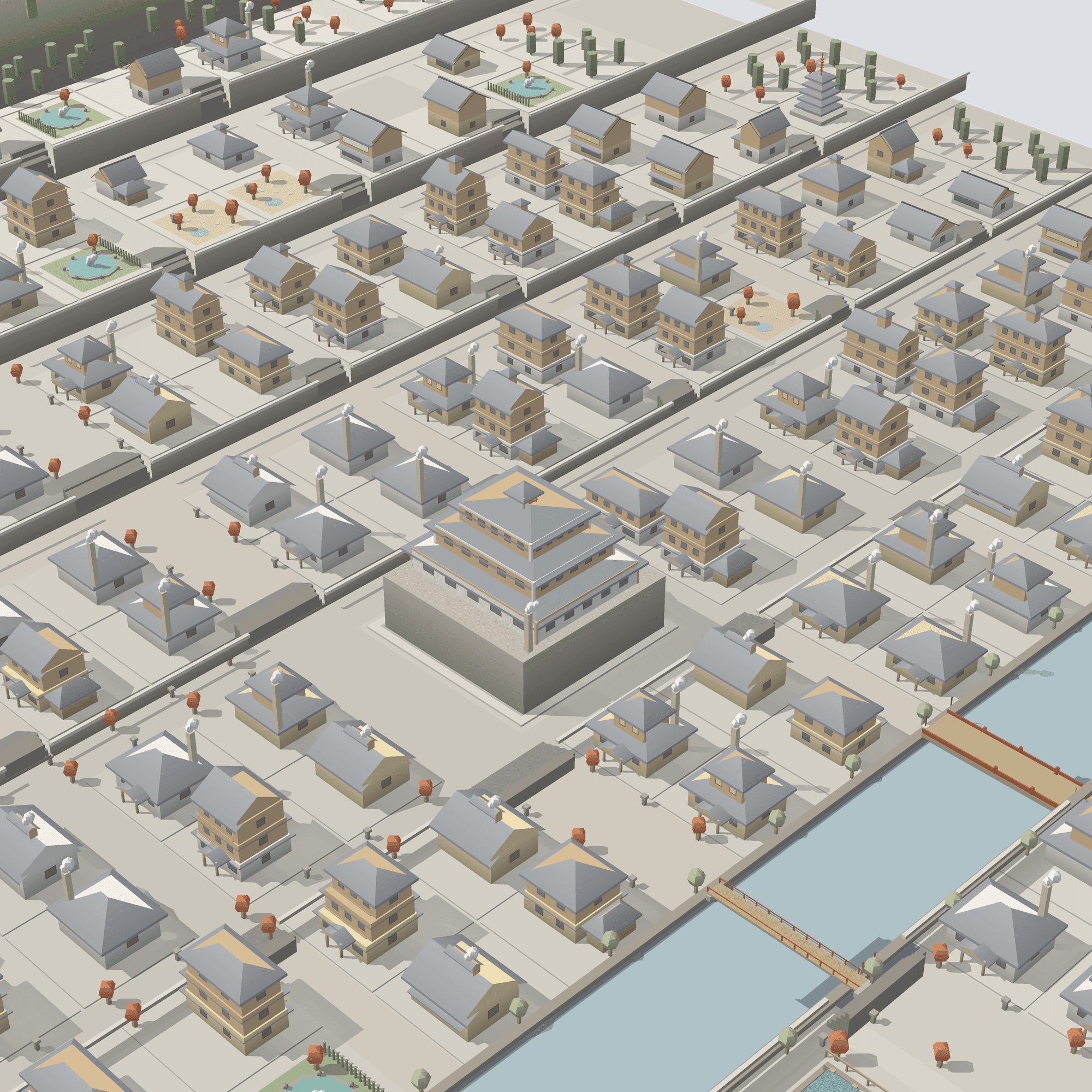
Stone terraces in an autumn valley, wooden inns, red-railed bridges and rising steam
The time you put in stays
Your first level-up comes within an hour (Lv.2 takes 52 minutes). Every level up, you choose one thing to add to your towns.
You choose what you get
Props (paving, a bench, planting or a light) go around the square of the town you are building, right away. A facility is built on one block of your next town.
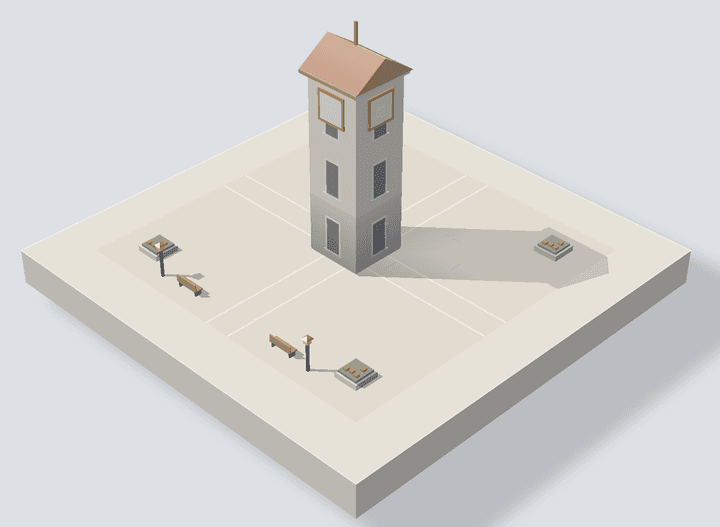
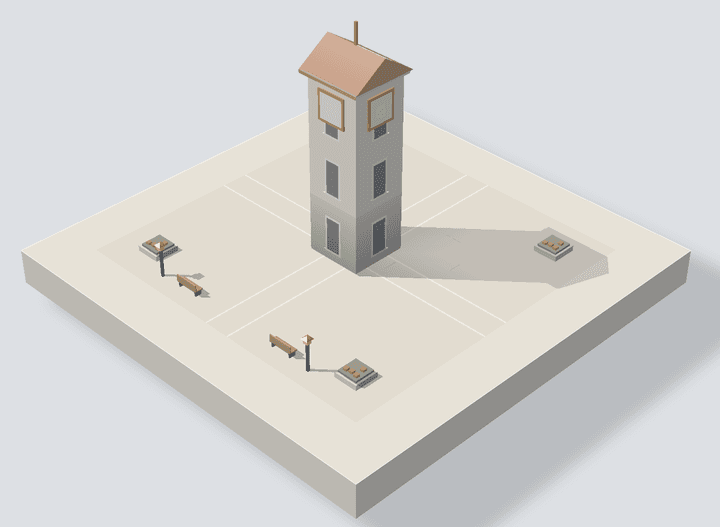
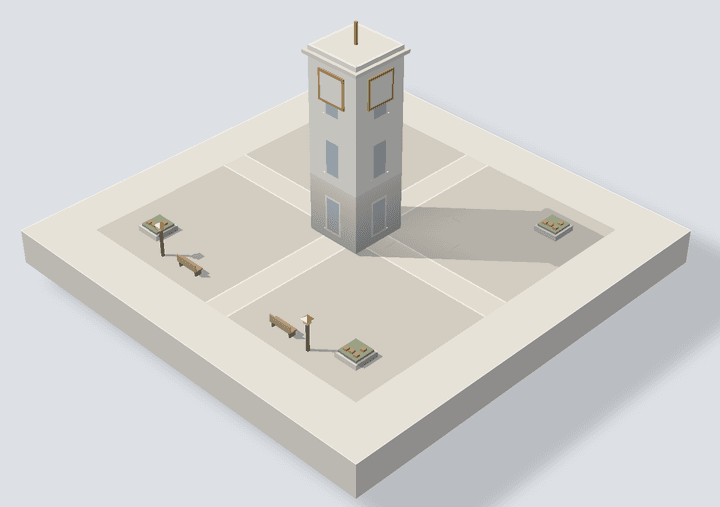
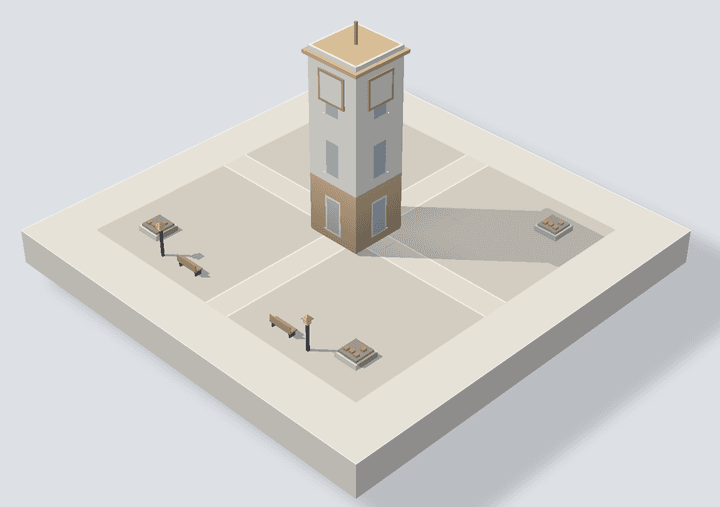
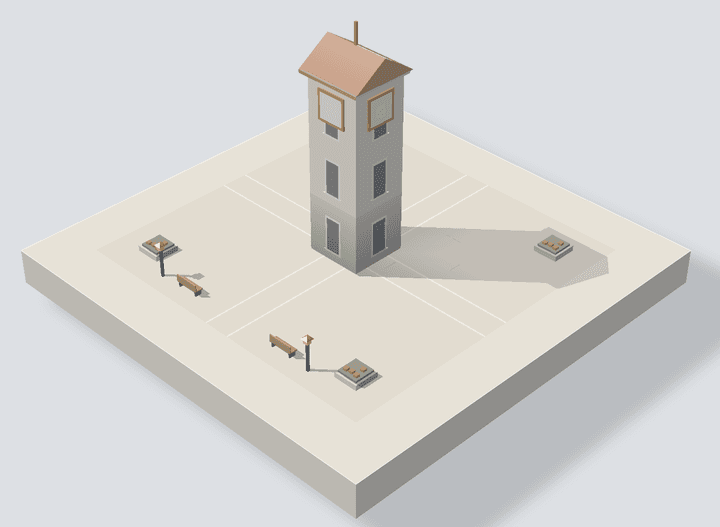
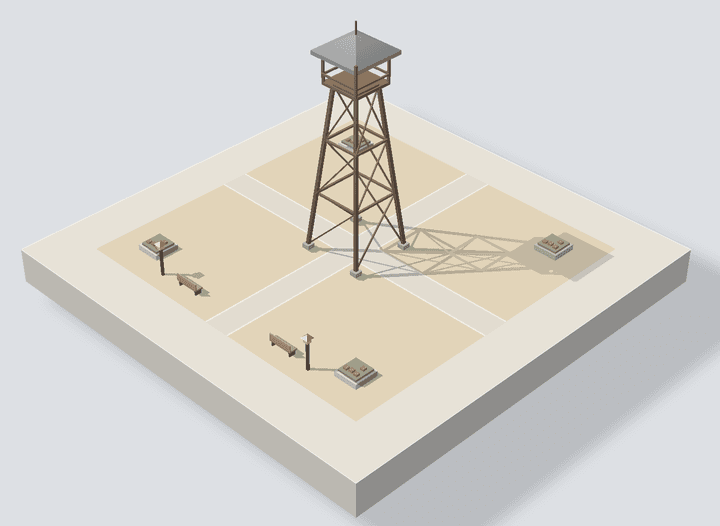
01Clock tower
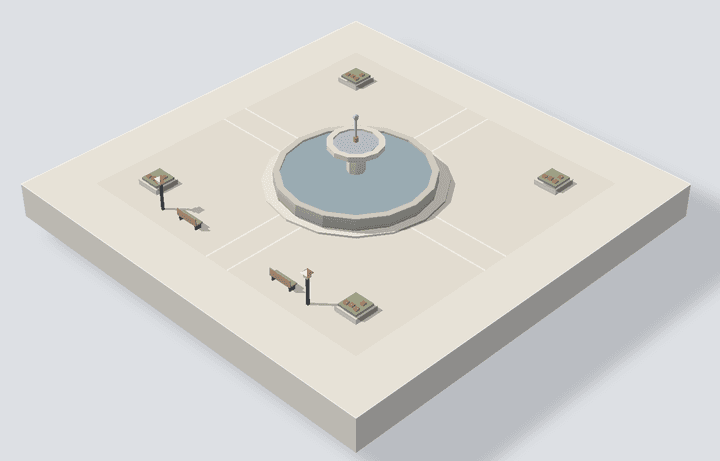
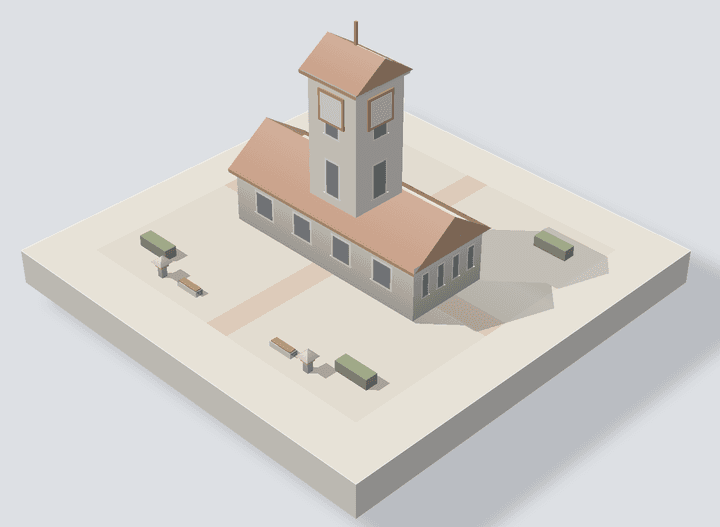
02Fountain square
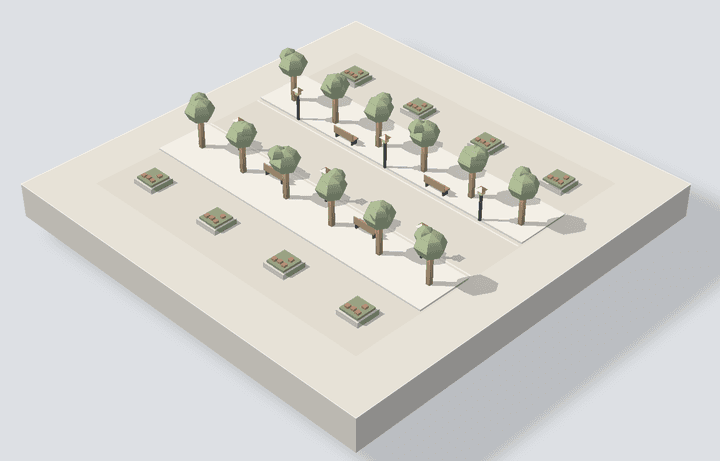
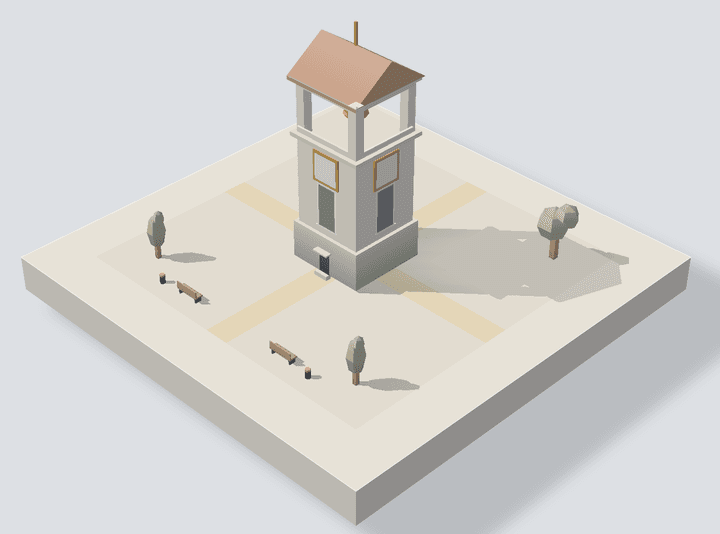
03Tree-lined walk
Pick one of 3 designs, then confirm
When you receive a facility, you pick one of 3 designs and confirm it. A confirmed design stays as it is, and is built on a block of your next town.
01
02
03
The land widens every 10 levels
Your first town sits on 3×3 blocks and takes 1 hour. On the widest land, 9×9 blocks, one town takes 10 hours. Wider land starts with the next town you begin after levelling up.
How growth works, in detail
Levels run to10,000 hours
Your first level-up comes within an hour (Lv.2 takes 52 minutes). Each level takes a little longer than the last, and the final level comes at 10,000 hours. Every 5 levels brings a new title, starting from Apprentice. Building types, materials, rivers and landmarks grow with your total hours. 7 more town styles open up between Lv.5 and Lv.50, each joining the rotation from your next town. Towns start as white models; every 12 levels adds one more wall paint colour, and the trees turn from white to green.
Numbers mark the levels where your title changes
| Level | Total | Facility finished | Title | Land |
|---|---|---|---|---|
| Lv.5 | 6 h | Clock towerJourneyman | Journeyman | |
| Lv.10 | 28 h | Fountain squareArtisan4×4from the next town | Artisan | 4×4from the next town |
| Lv.15 | 72 h | Tree-lined walkTechnician | Technician | |
| Lv.20 | 144 h | ?Adept5×5from the next town | Adept | 5×5from the next town |
| Lv.25 | 250 h | ?Craftsman | Craftsman | |
| Lv.30 | 396 h | ?Senior Craftsman6×6from the next town | Senior Craftsman | 6×6from the next town |
| Lv.35 | 588 h | ?Deputy Master | Deputy Master | |
| Lv.40 | 832 h | ?Master7×7from the next town | Master | 7×7from the next town |
| Lv.45 | 1,134 h | ?Master Craftsman | Master Craftsman | |
| Lv.?? | 1,500 h | ??8×8from the next town | ? | 8×8from the next town |
| Lv.?? | 1,936 h | ?upgrade? | ? | |
| Lv.?? | 2,448 h | ?upgrade?9×9from the next town | ? | 9×9from the next town |
| Lv.?? | 3,042 h | ?upgrade? | ? | |
| Lv.?? | 3,724 h | ?upgrade? | ? | |
| Lv.?? | 4,500 h | ?upgrade? | ? | |
| Lv.?? | 5,376 h | ?upgrade? | ? | |
| Lv.?? | 6,358 h | ?upgrade | ||
| Lv.?? | 7,452 h | ?upgrade | ||
| Lv.?? | 8,664 h | ?upgrade | ||
| Lv.?? | 10,000 h | ?upgrade |
Facilities and wider land arrive in the next town you start after reaching the level.
Every level up,you choose what you get
Props go in this town's square
Each level up, you pick one of three rewards from nearby levels. The others stay and come up again next time. Props (paving, a bench, planting or a light) are placed around the square of the town you are building right away.
- Paving
- Stone, Brick, Gravel
- Bench
- Wood, Stone
- Planting
- Flower bed, Hedge, Tree
- Lamp
- Street lamp, Stone lantern, Path light
Facilities go in your next town
A facility you take is built on one block of your next town. Pick one of 3 designs. Its grounds use the props that belong to it, and its roofs and walls follow the town's style. When it starts going up, the camera moves in to show it. Later on, the same ten are upgraded in the same order.
You choose after a session, never while you focus. You always pick one reward each time, then settle its design. Once confirmed, a design stays as it is.
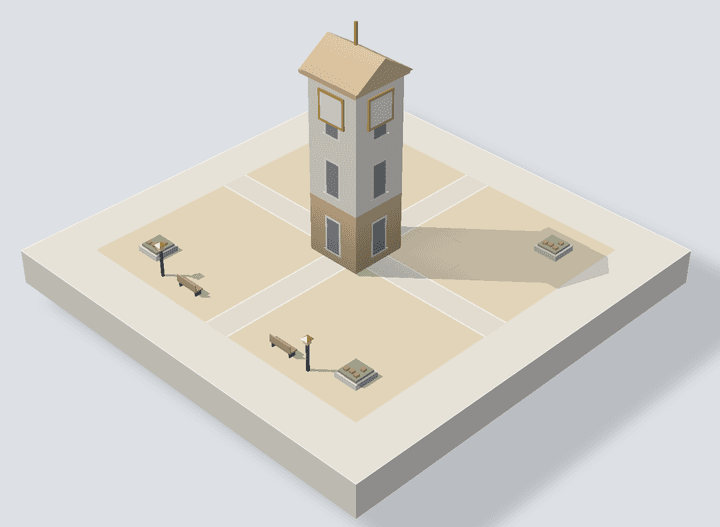
Countryside
Modern
Tropical
European castle townLv.5+
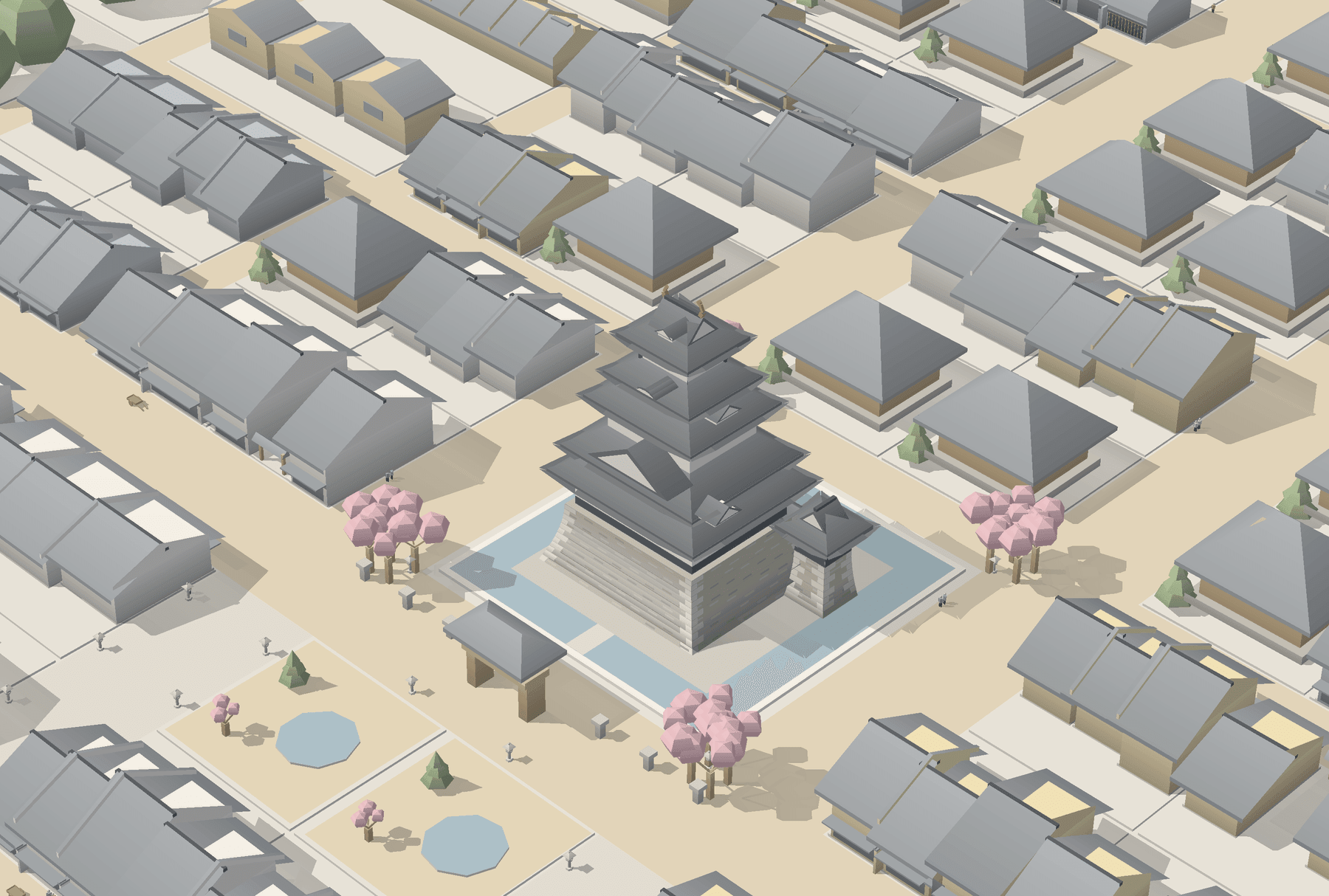
Japanese castle townLv.10+
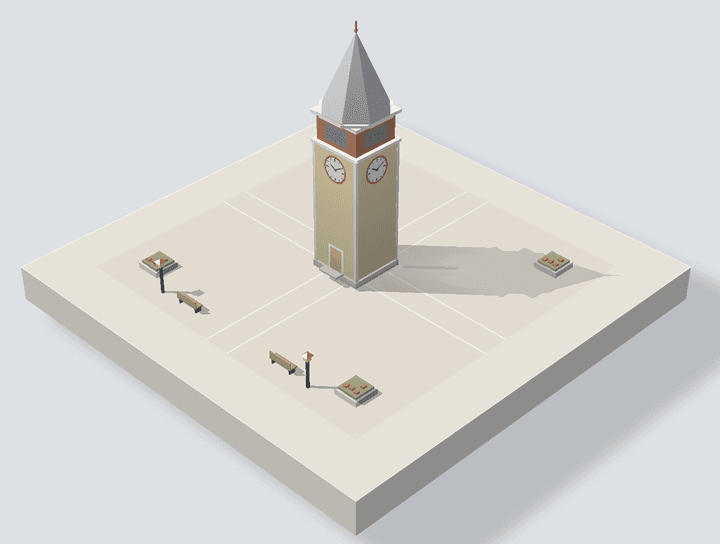
Nordic harbourLv.15+
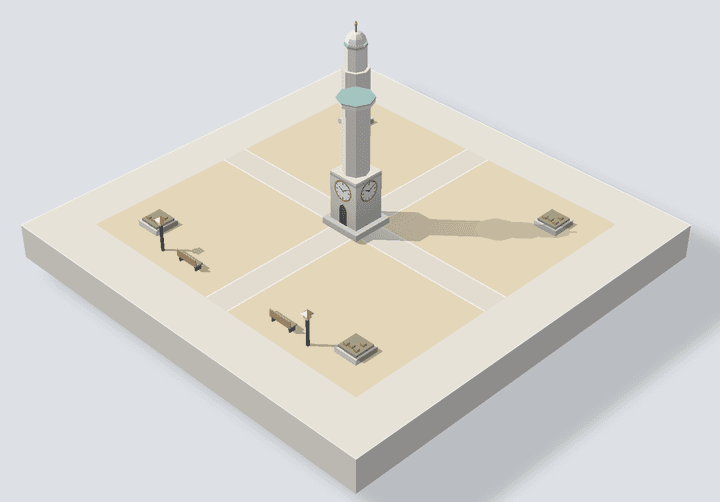
Desert oasisLv.20+
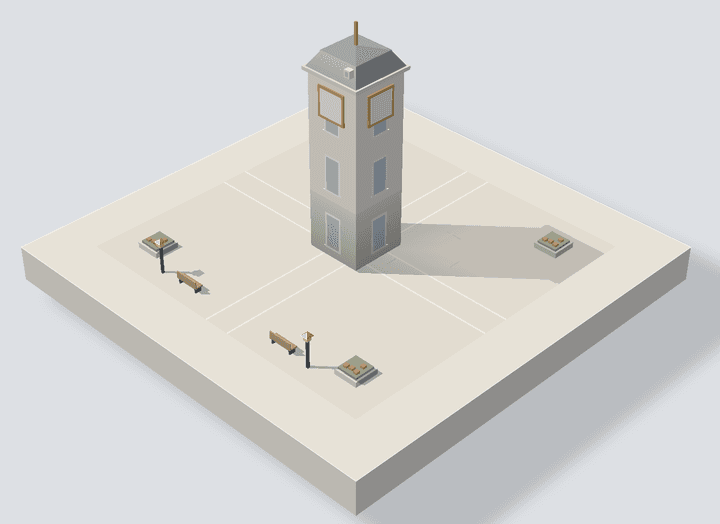
Stone capitalLv.30+
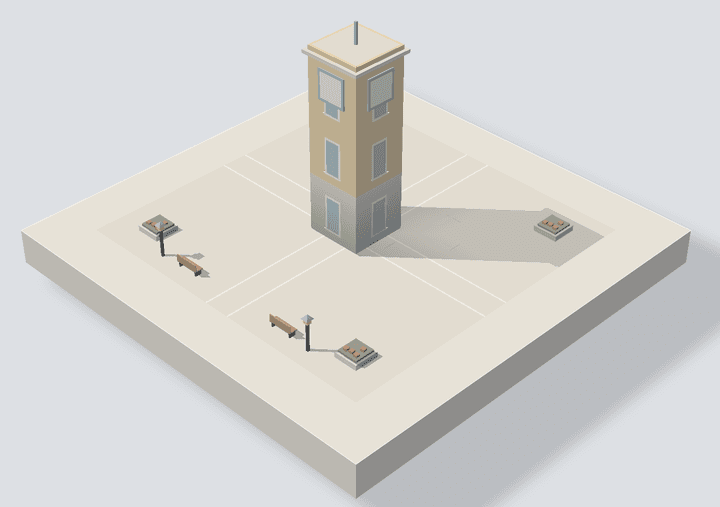
Mediterranean townLv.40+
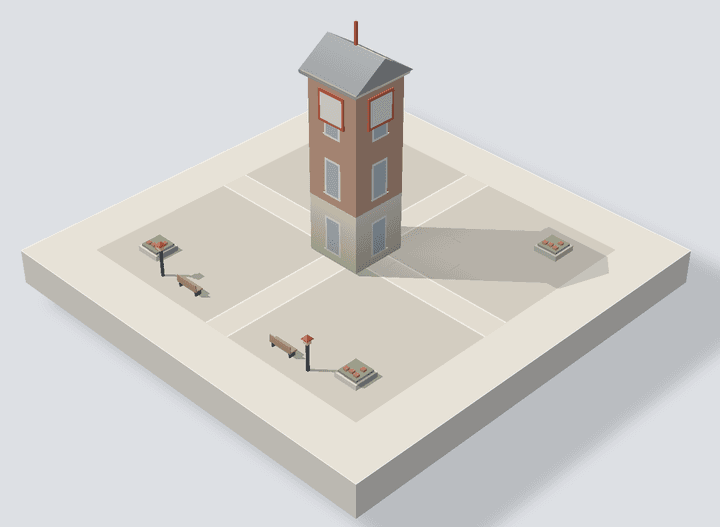
Brick capitalLv.50+
The land widens every 10 levels
A Level 1 town sits on 3×3 blocks and takes 1 hour to finish. Every 10 levels the board gains a block on each side, up to 9×9, where one town takes 10 hours. The wider land starts with the next town you begin after levelling up.
3×3 blocks, Lv.1–9, 1 hour per town
4×4 blocks, Lv.10–19, 2 hours per town
5×5 blocks, Lv.20–29, 3 hours per town
6×6 blocks, Lv.30–39, 4 hours per town
7×7 blocks, Lv.40–??, 5 hours per town
8×8 blocks, Lv.??–??, 8 hours per town
9×9 blocks, Lv.??+, 10 hours per town
Small details
- Finishing a session is a 1.2-second press and hold. Pausing is one tap.
- A finished town can be shared as a 1080×1350 image, on X or anywhere else.
Nothing in the way of your focus
- No account.
- Your focus history, your towns and your settings are stored only on your device and never sent anywhere.
- No ads, no analytics, no tracking.
- This website uses no cookies or analytics either.
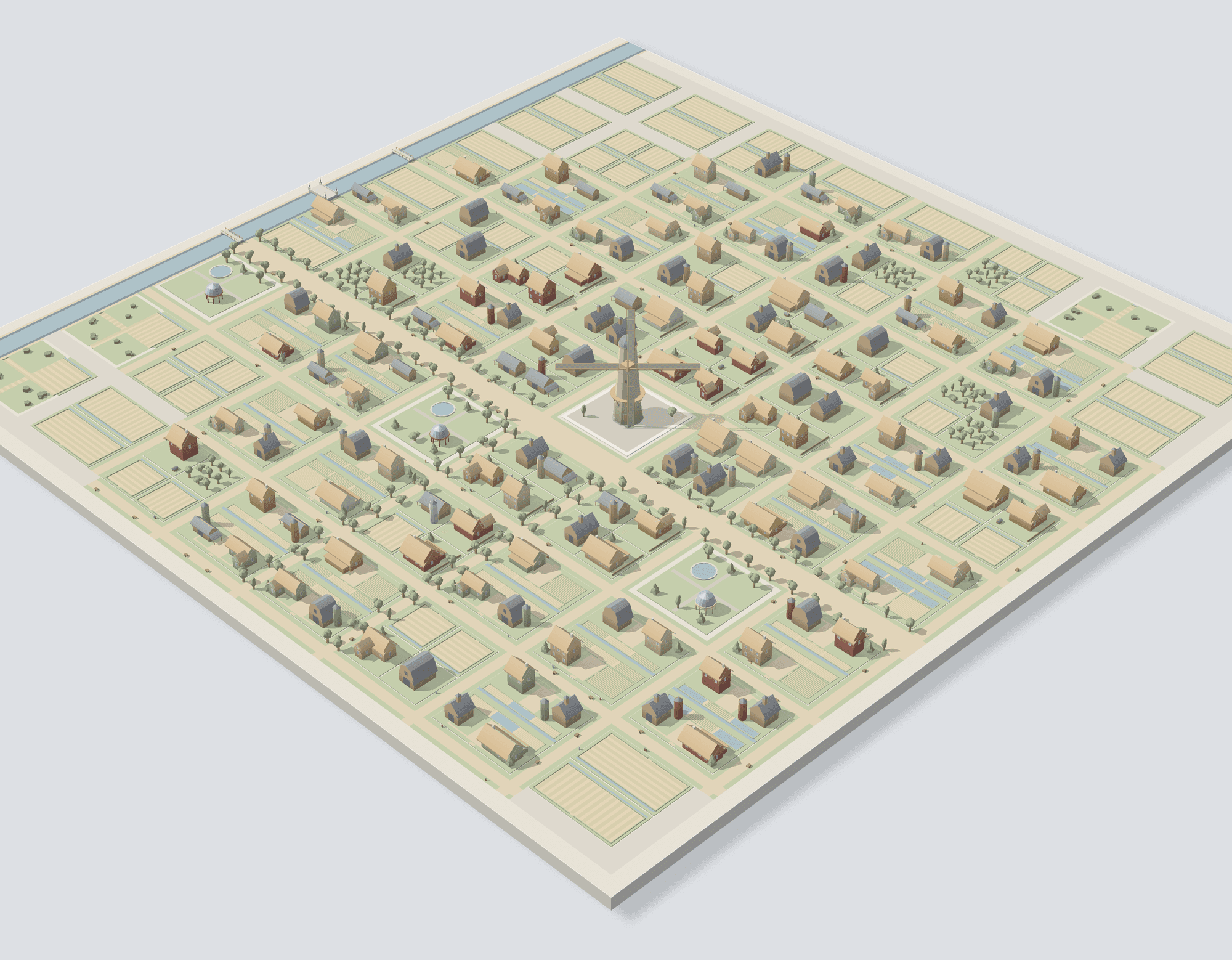
01Countryside
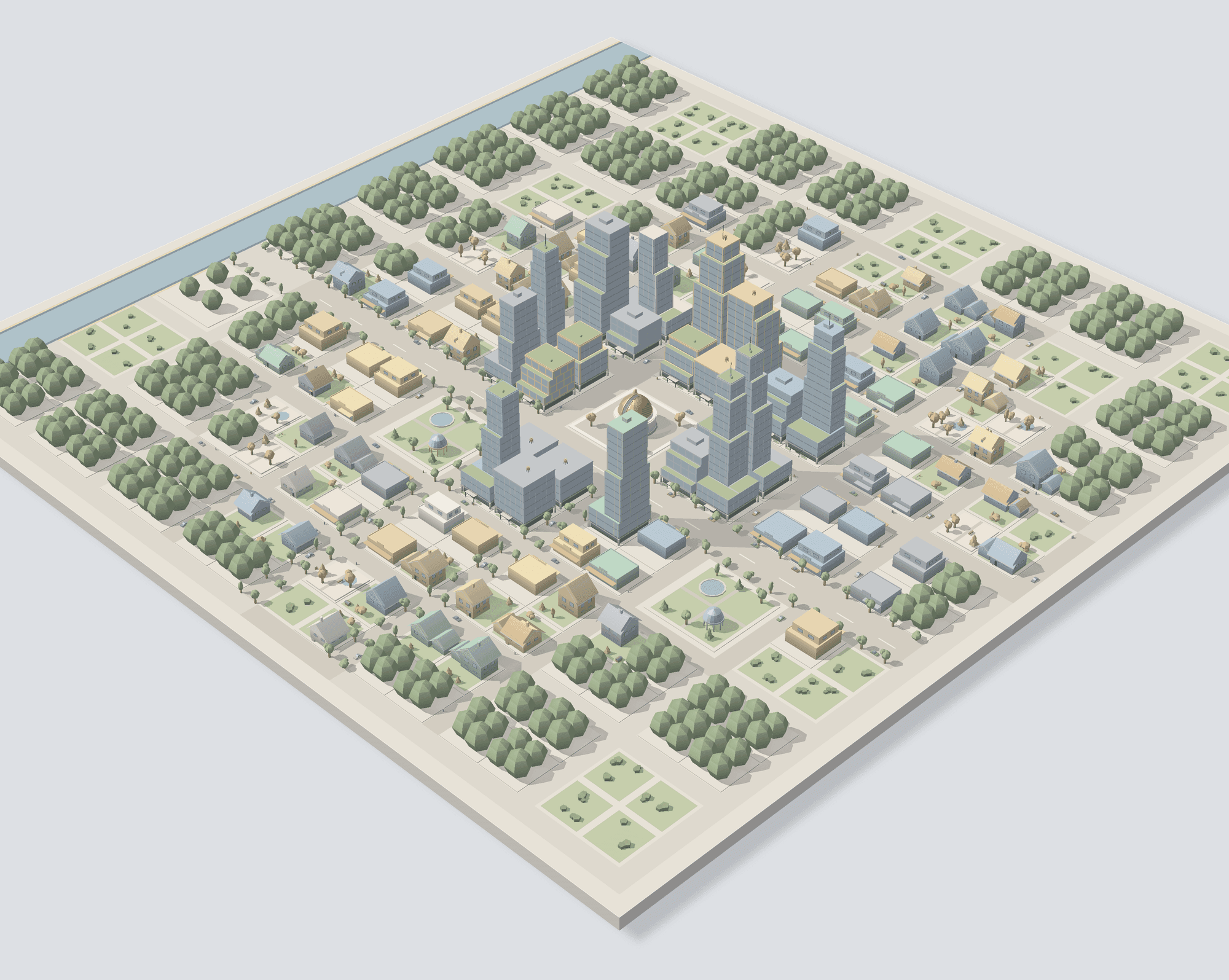
02Modern
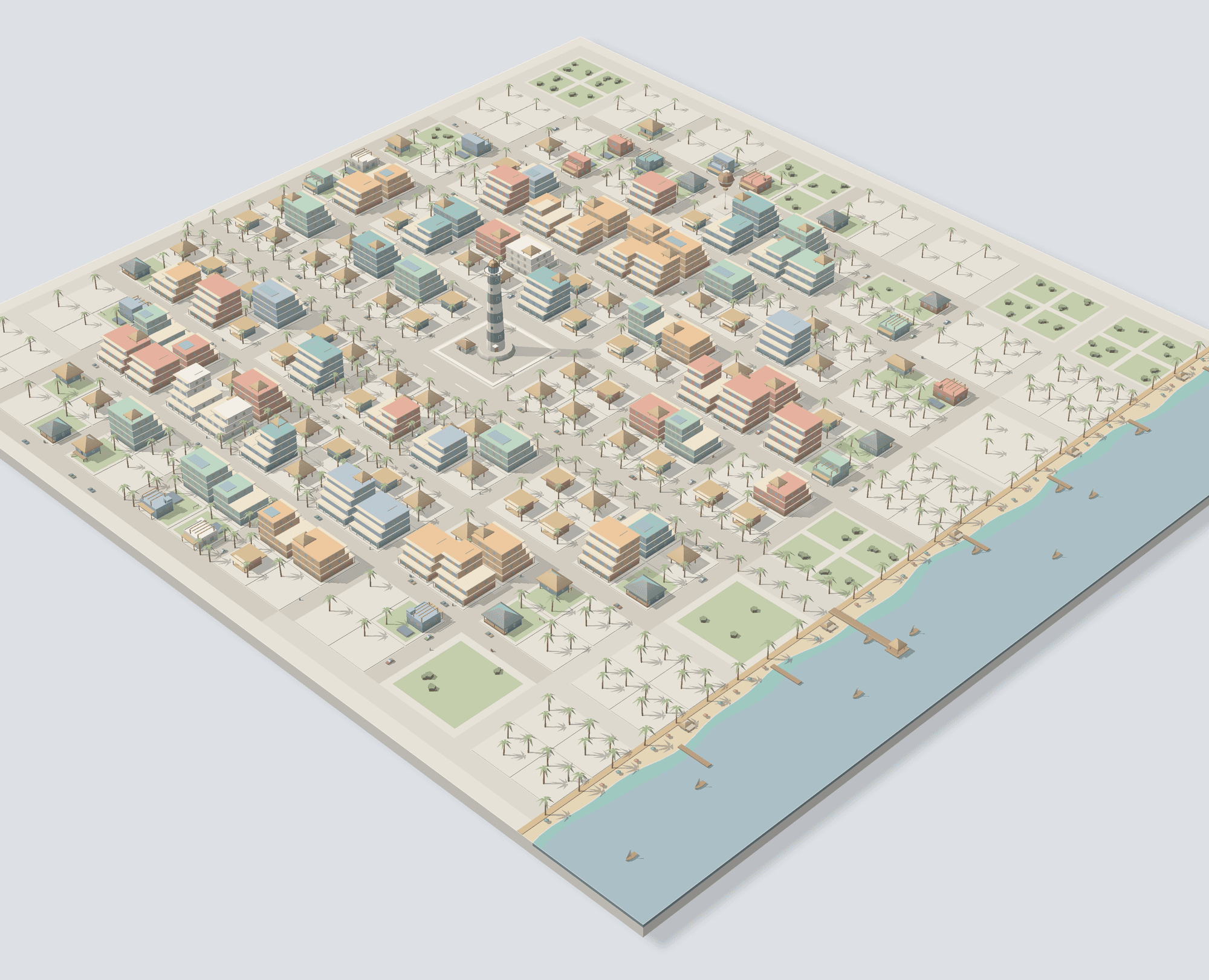
03Tropical
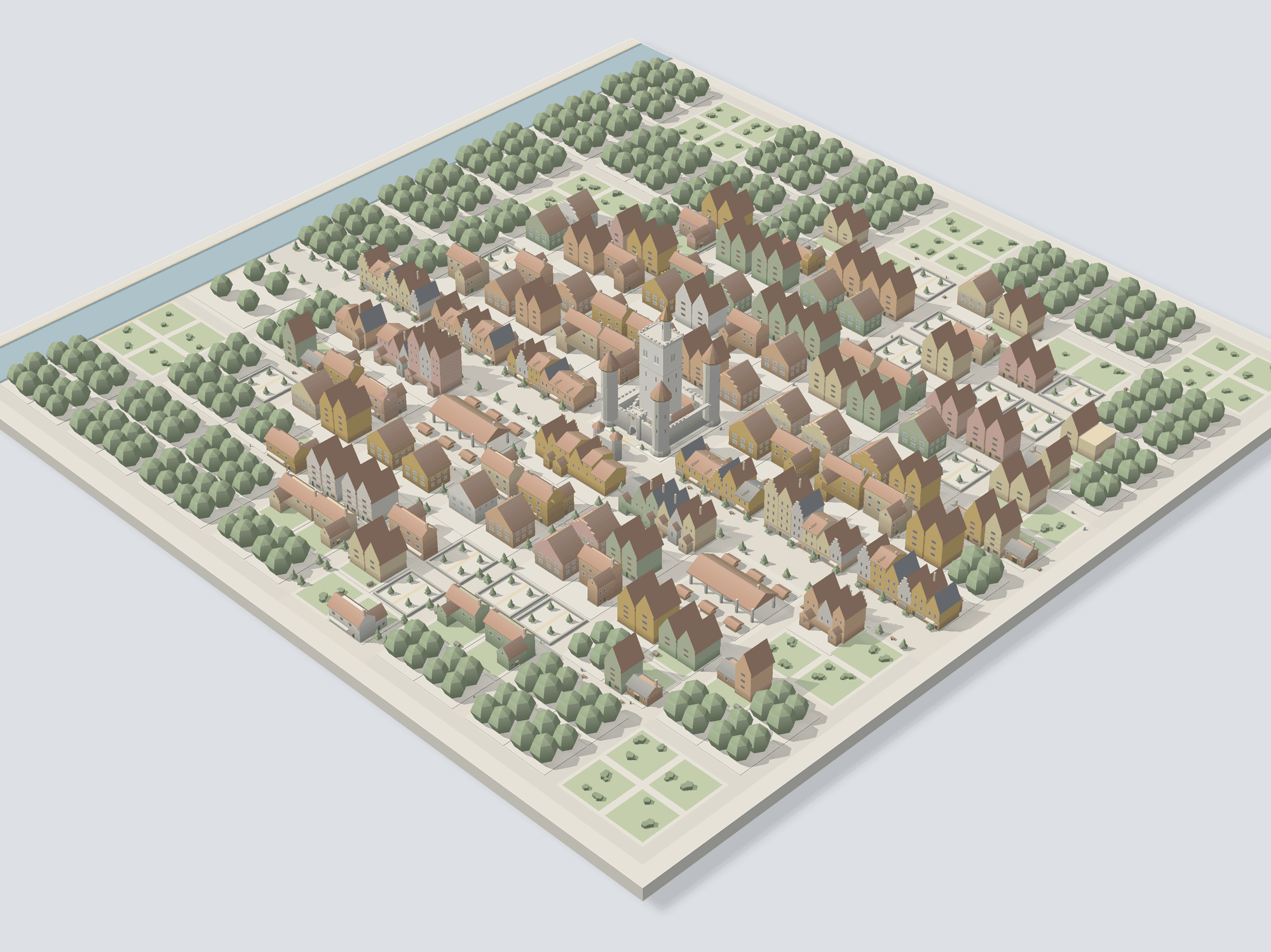
04European castle townLv.5+
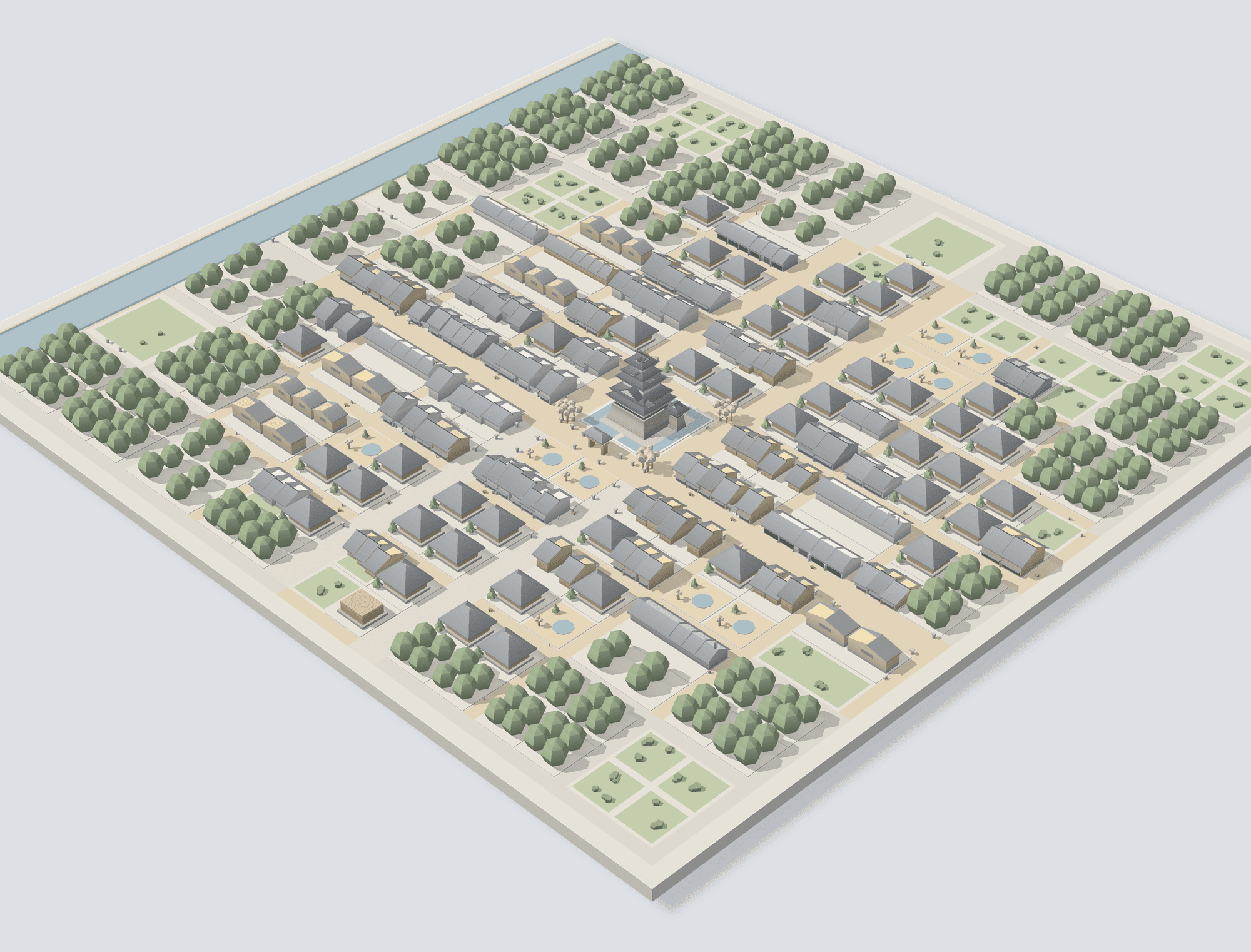
05Japanese castle townLv.10+
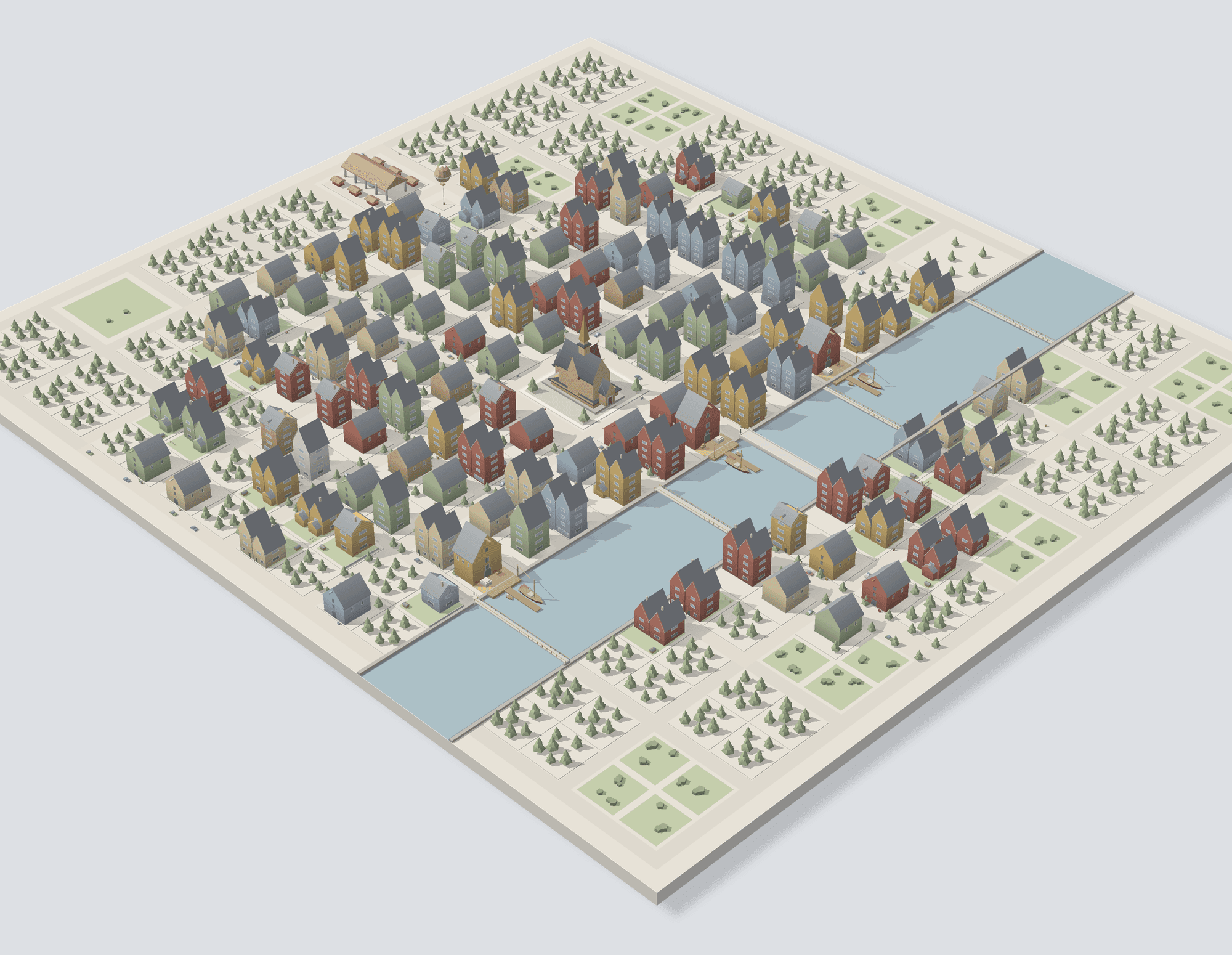
06Nordic harbourLv.15+
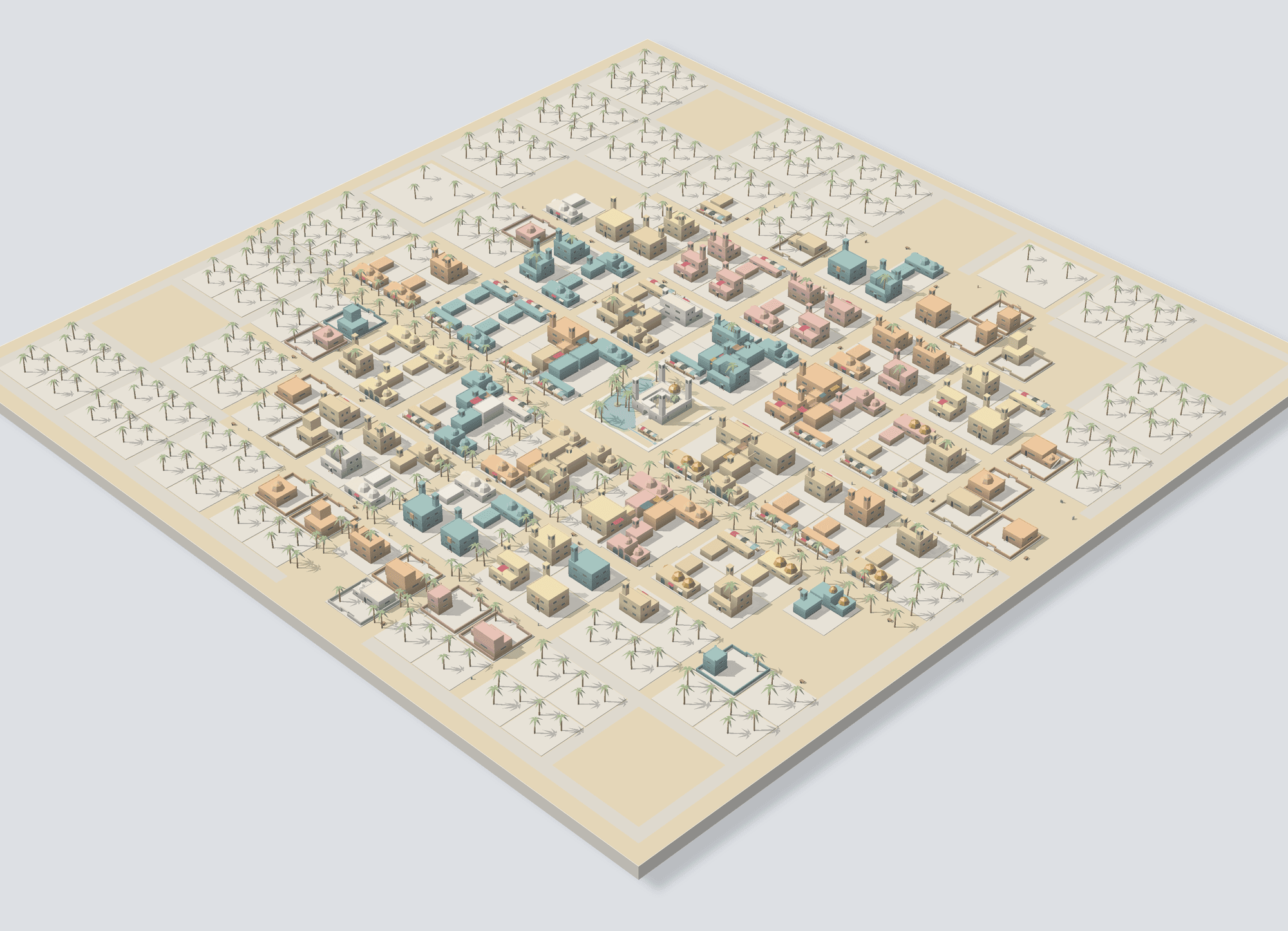
07Desert oasisLv.20+
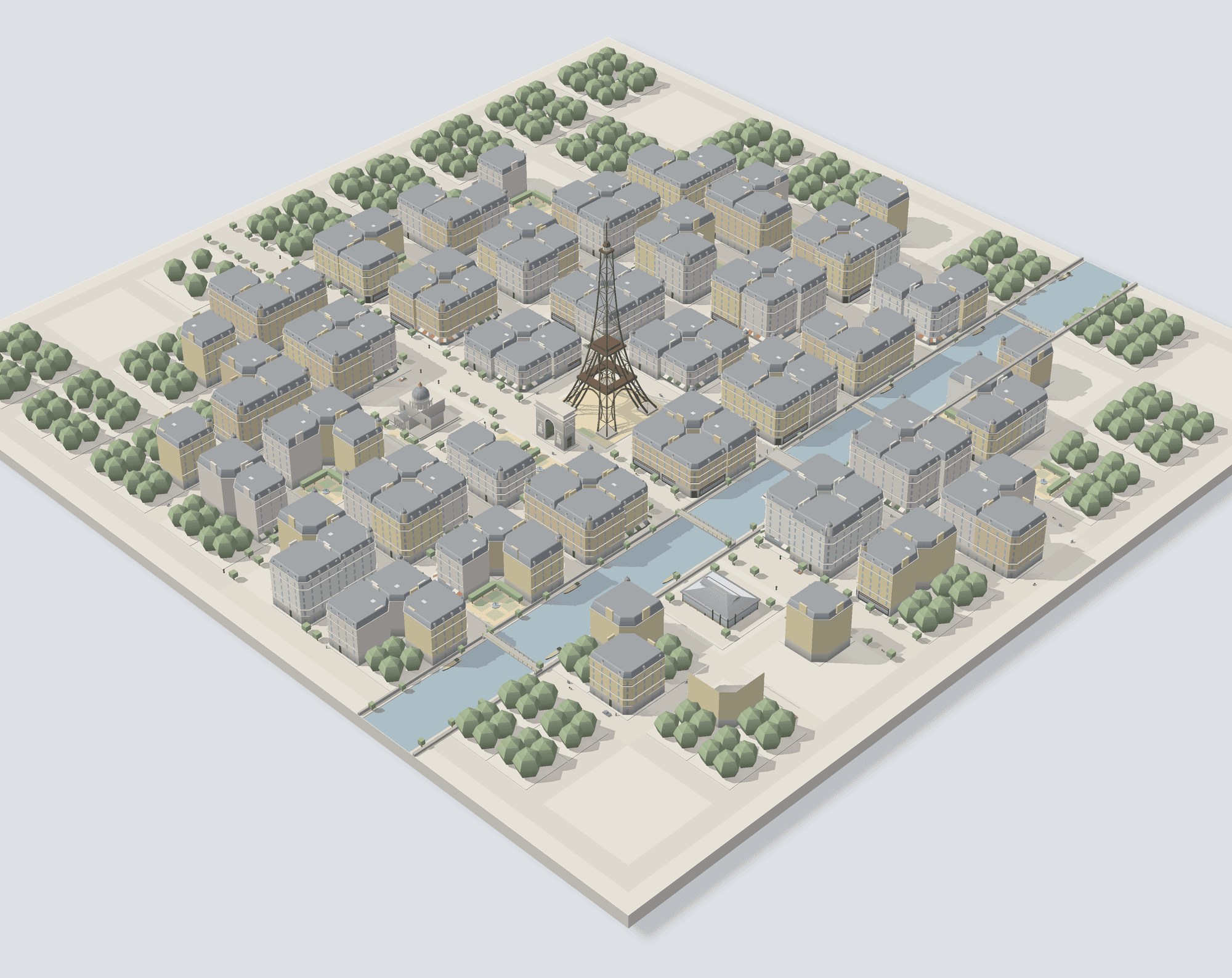
08Stone capitalLv.30+
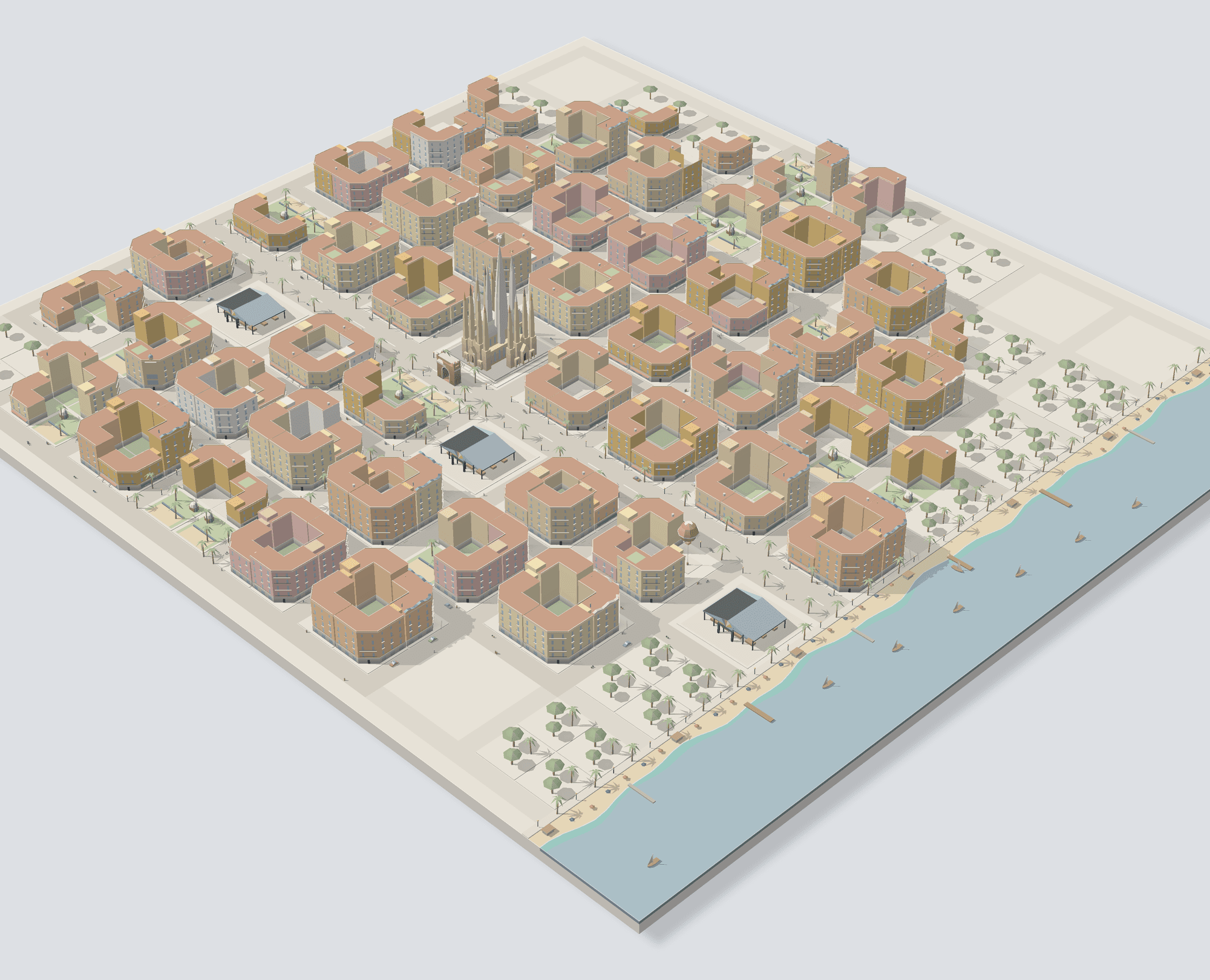
09Mediterranean townLv.40+
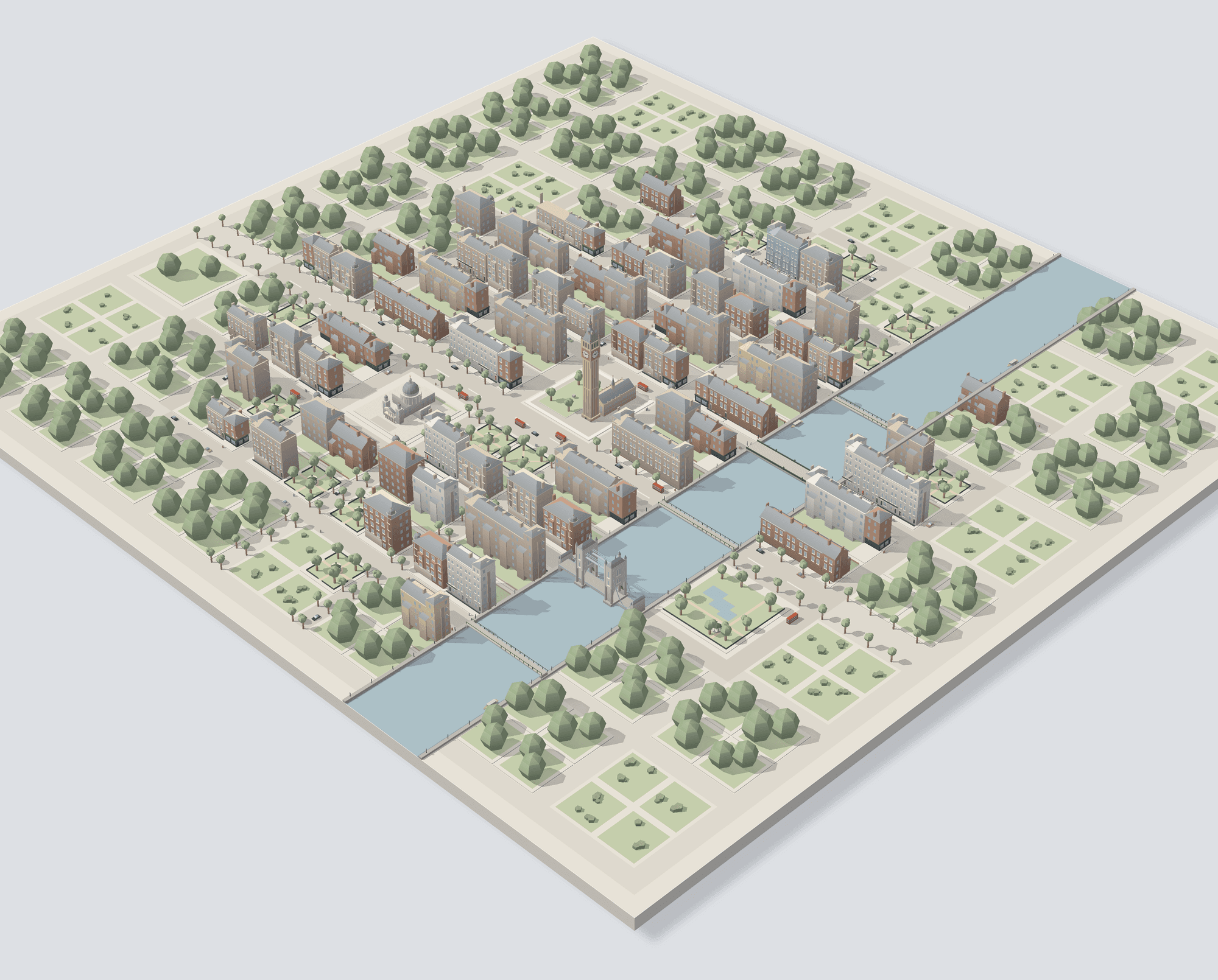
10Brick capitalLv.50+
For iPhone and Android
Coming soon to the App Store and Google Play.
- Download on the App Store(coming soon)
- Get it on Google Play(coming soon)
App languages
- 日本語
- English
- Français
- Deutsch
- 한국어
- 简体中文
- 繁體中文
- हिन्दी
- Español
- Italiano
- Русский
- Türkçe
- ไทย
- العربية